.svg)
Free AI Accent Generator with Realistic Voices
Turn your words into natural-sounding speech with Murf's AI accent generator. Try our accent TTS tool that offers 200+ AI voices in 35 languages and 10+ accents, built with ethically sourced data trained on authentic linguistic models. Hear it to believe it with our free trial.
.svg)
Contextually Aware, High-fidelity Custom Voices for Accent Generation
Murf's neural speech synthesis model produces AI voices across accents and languages that are indistinguishable from human speech. Our emotionally rich voices capture every nuance and subtlety, making the generated audio sound like a real human speech when read aloud.
How to Generate Text to Speech with an Accent?
Add your Script. Enter or paste text to generate speech online in your chosen accent.
Choose your accent, AI voice, and voice style. Adjust pitch, speed, and pronunciation to fine-tune the audio.
Click Play to preview. Download or export your voiceover in MP3, WAV, AAC, and more.
Key Features of Murf Realistic Text to Speech Accent generator
Ultra-realistic Accent Generator Text to Speech Converter
Murf's AI Accent Generator is trained on regional accents, so it goes beyond surface-level mimicry. Each accent is trained on native-speaker data, capturing the natural tone, rhythm, and character that make it sound authentic. The result is audio that feels true to listeners in every region.
One Tool - Endless Customizations
Accent accuracy is just the starting point. Murf's free accent voice generator lets you fine-tune every voice for pitch, speed, pauses, and word-level emphasis to match your content's tone. Set custom pronunciations for brand names, technical terms, or local proper nouns, backed by 99.38% pronunciation accuracy, so edits still sound natural.
The Best AI Accent Generator
Whether your content calls for a polished British accent, a warm Australian tone, or an entirely different language, this accent generator’s voice library covers it. Choose from male and female voices across young and middle-aged profiles in every accent, then enter text and preview each option. Get your high-quality audio back in about 100 ms, 44% faster than competing TTS models.
Generate Speech with 200+ Multilingual AI Voices
Murf's free accent voice generator gives you 200+ AI voices across 35 languages and 10+ accents. Enter English text and choose from American, British, Australian, Indian, and Scottish English. Switch between international accents or languages within the same project for multilingual content, localization tests, or accent comparisons, all in one place.


%20(1)%201.webp)
%20(1)%201.webp)
%201.webp)


%201.webp)

%201.webp)
%201.webp)


%201.webp)




“It’s an indispensable tool for any learning designer who prioritizes their audience, searching to create a valuable learner experience.”
IT Product Owner, Nestle

“The platform's features like API integration have optimized our production process, reducing both time and costs associated with producing high-quality audio content.”
Project Manager, Air France
%202.png)
“You don't just get excellent technology - you get a partner that goes above and beyond. Service doesn't end with the sale, which is rare to find today.”
Curriculum Designer, Vertiv
-Photoroom%201.png)
“Something we really like about Murf AI is the transparency and openness to tell us exactly how the models have been trained.”
Global Director of Digital Innovation, Omnicom Production

“We can create Spanish versions of our English videos instantly. Spanish voices that we have tested and vetted sound great.”
President & CEO, AgriSphere

"We ran an interesting exercise with Murf voices. People had to guess which was real and which was AI and no one could tell!”
Academy Manager, Thinkproject
Text to Speech Voices & Accents for Every Use Case


Try tweaking your filters to discover more voices!
What Makes Murf's Accent Generator Better Than Other TTS Tools?
Trained on Native Regional Voices
Trained on native speaker recordings that capture natural accent, intonation, and sentence flow across every region.
99.38% Pronunciation Accuracy
Custom pronunciation overrides for brand names and technical terms.
Emotion and Expression Built In
Natural emotion and expressive variation, never flat or mechanical.
100ms Time-to-First-Audio
44% faster time-to-first-audio than competing TTS models.
Highest Voice Quality, Lowest Cost
Murf Falcon achieves a VQM score of 0.77 at $0.01 per minute of audio.
SSML, API, Enterprise Security
Batch and streaming API access, backed by SOC 2, GDPR, and ISO 27001.
Accent Generator Use Cases
AI Voice Agents & Voicebots

Build voice agents that match the market they serve. Murf's accent library lets you deploy support bots, booking systems, and onboarding flows in the right accent for each region. UK, Australian, and US customers can each hear a familiar voice without separate production pipelines for each market.
IVR and customer support
Murf's Text to Speech lets you produce and update accent-matched IVR prompts from one platform. This ensures every voice you create sounds smooth and local to callers in each region your contact center serves.
Marketing and advertising
Create region-specific voiceovers for multiple markets from a single piece of creative with Murf’s accent generator. Each accent makes your campaigns feel local and trustworthy to audiences from different cultures.
YouTube and podcasting
Creators making content for regional audiences can use Murf's AI voice generator to produce audio for narration and podcast intros that feel authentic to their listeners. Matching accent to audience builds trust, and consistent delivery keeps the show's voice recognizable as it scales.
Audiobooks and long-form narration
Create audiobooks that sound native to every regional market. Murf helps publishers and authors match the voice and accent to their audience across full-length manuscripts. This keeps the tone and pacing consistent across extended content without studio time.
AI Accent Voices Tailored to Your Needs
Murf's accent generator offers 200+ AI voices across 35 languages and 10+ accents, with male and female options in every accent family. Preview every voice, whether you need one accent for a specific market or several for a global rollout. Keep your output consistent without booking a new recording session each time.
Voice categories available:
English accent options include:
- American English: The most widely used accent for global content; natural default for US-facing products, courses, and consumer audio.
- British English: Carries authority and credibility; suited to corporate narration, e-learning, documentaries, and international brand audio.
- Australian English: Warm and approachable; fits Australian market content, lifestyle brands, and consumer campaigns.
- Indian English: Clear enunciation with natural Indian intonation; suited to South Asian markets, e-learning, and enterprise training content.
- Scottish English: Distinctive character and warmth; suited to Scottish-market content, storytelling, and regionally targeted campaigns.
Every voice supports speech rate, pitch, and pause controls, along with word-level emphasis and custom pronunciations.
Powered by Murf Falcon: Built for
Speed, Scale, and Efficiency
Murf's accent generator runs on Falcon, its purpose-built TTS engine for production-grade voice applications. Falcon delivers sub-100ms latency, supports up to 10,000 concurrent calls, and is priced at $0.01 per minute. For developers building voice agents or high-volume audio workflows, Falcon provides the speed, scale, and cost efficiency needed to deploy without compromise.
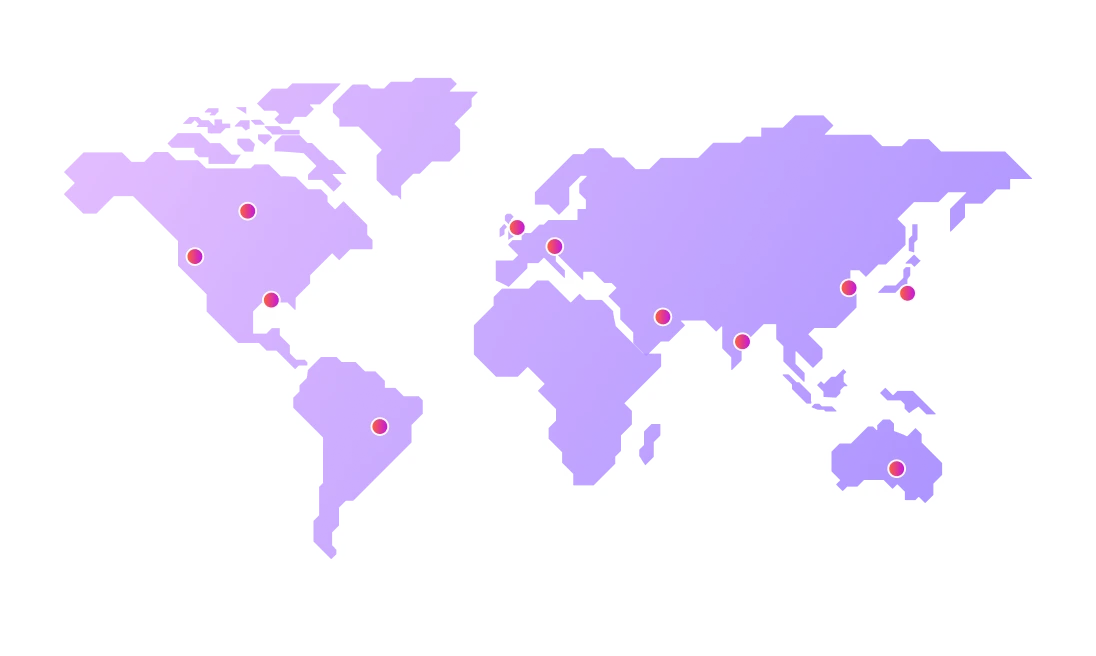
Generate Text to Speech in Multiple Languages and Regional Accents


.svg)
.svg)

.svg)

.svg)


.svg)
.svg)
.svg)
.svg)
.svg)
.svg)
.svg)
.svg)
.svg)
.svg)

.svg)
.svg)
.svg)


FAQs
For any further questions,
send us a message at support@murf.ai
Can I use Murf's accent generator through an API?
.svg)
Yes. The Murf API supports all accent voices and accepts plain text or SSML input. It returns MP3 or WAV audio files and is used in production by apps, platforms, and enterprise tools. Full documentation is available in the Murf developer portal, free to explore with no registration required.
What is the best AI accent generator?
The best AI accent generator depends on your priorities, whether that's accent range, voice quality, low latency, or cost. For teams that need all of these, Murf covers 10+ accents across 35 languages with voices trained on native-speaker data, delivering 99.38% pronunciation accuracy and Murf Falcon's sub-100ms latency, all at $0.01 per minute.
Can I choose between male and female accent voices?
Yes. Murf offers both male and female voices across all supported accents and languages. You can listen to each voice and compare options side by side before selecting one for your project.
Is Murf's accent generator suitable for commercial use?
Yes. All audio generated on paid Murf plans is cleared for commercial use, including advertising, e-learning, broadcast, and publication. Check your plan's license terms for specifics.
What accents does Murf support?
Murf supports 10+ accents across 35 languages, including American English, British English, Australian English, Indian English, and Scottish English, alongside major world languages. The full accent and language library is available to explore in Murf Studio, so you can try new accents before committing to a project.
Who is Murf's accent generator best suited for?
Murf’s accent generator suits a wide range of users. Content creators use it for YouTube videos, voiceovers, and podcast intros. Developers integrate accent TTS via API. Global marketing teams adapt campaigns for regional markets. E-learning producers build multilingual course audio. Game developers prototype character dialogue across various accents. Accent generators also help students improve listening comprehension across dialects.
Can I use Murf to change the accent of an existing voice recording?
Murf's accent generator works from text input rather than modifying existing recordings. Enter your script, select the accent and voice, and convert text to audio directly. For matching your own delivery style, the Say It My Way feature lets Murf voices mimic your recorded phrasing in the accent of your choice.
How accurate are AI-generated accents compared to native speakers?
Murf's voices are trained on native-speaker recordings and measured at 99.38% pronunciation accuracy against native-speaker benchmarks. Each accent is built to reflect the rhythm, intonation, and pronunciation patterns specific to that region, and subtle regional variations can be fine-tuned further using custom pronunciation controls in the editor.
Can I generate the same sentence in different accents for comparison?
Yes. Murf Studio lets you switch voices and accents within a project, so you can generate the same sentence in multiple accents and hear the difference before selecting the right voice. This is useful for localization testing, audience research, and dialect exposure work in language learning contexts.
View more questions


