How to Transcribe a Podcast: Step-by-Step Guide


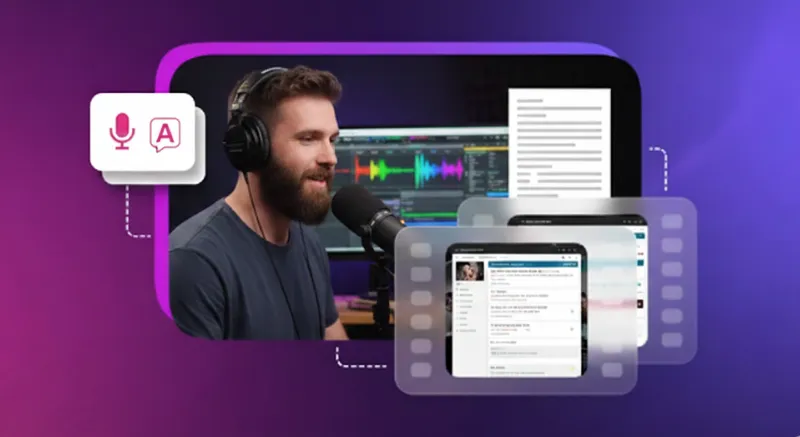

Transcribing your podcast is one of the most underrated organic content marketing tricks in the book, and one that is most often ignored by creators. Transcribing a podcast means converting your audio file into a written asset that makes your content searchable, accessible, and reusable.
Transcripts help search engines index your podcast, allow deaf and hard-of-hearing listeners to access your content, and give you raw material for blog posts, show notes, and social media posts. This guide shows you how to transcribe a podcast using manual methods, AI-powered tools, and outsourced services.
In this guide, you will find step-by-step instructions, discover the best free and paid transcription tools, and understand best practices for editing and repurposing your podcast transcript.
Major Ways to Transcribe a Podcast: Manual, AI-powered, and Outsourced
You have three main options to turn your podcast audio into text: manual transcription, AI-powered tools, or outsourced professional services. Each method has specific advantages depending on your accuracy needs, budget, and time constraints.z
Manual Transcription

Manual transcription involves playing your podcast episode and typing every word into a text editor like Google Docs or Microsoft Word. You control playback speed, pause frequently, and capture dialogue exactly as spoken. This process requires headphones, a reliable audio player, and patience.
Choose manual transcription when you need 99% accuracy for sensitive content, technical discussions, or legal matters. It works best for short episodes under 30 minutes, content with heavy accents or industry jargon that AI might misinterpret, or when you need custom formatting like detailed speaker labels and timestamps. Manual work also makes sense when you're on a tight budget and have time to invest in the process yourself.
The biggest drawback is speed. Manual transcription typically takes four to six times the length of your audio file. A 60-minute podcast episode could require four hours of focused typing and review.
AI-Powered Transcription Tools
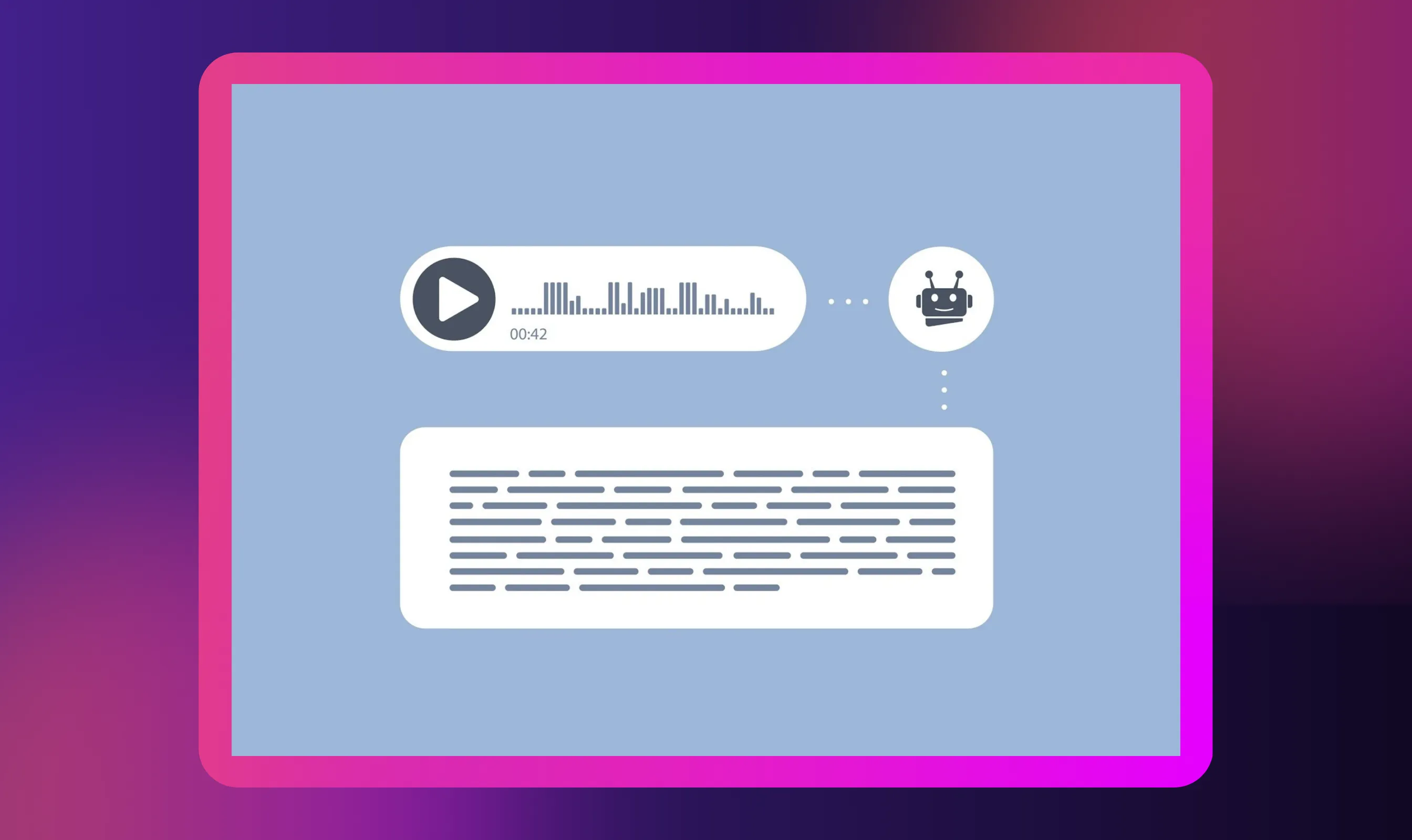
AI-powered transcription tools let you upload your audio file and automatically generate a transcript within minutes. Services like Otter, Descript, and Sonix use speech recognition technology to convert spoken words into written text without manual typing.
These tools offer major advantages: speed, scalability, and convenience. You can transcribe multiple podcast episodes in bulk, process hour-long recordings in under 10 minutes, and access transcripts immediately. Many platforms support multiple languages and export options, including plain text and SRT file formats.
However, AI transcription accuracy depends on audio quality. Clean recordings achieve 80-95% accuracy, but podcasts with background noise, heavy accents, multiple speakers talking over each other, or technical terminology produce more errors. You'll need to review and edit the output manually to fix mistakes, add proper punctuation, and clean up formatting before publishing.
A Step-by-Step Guide: How to Transcribe a Podcast
Follow these six steps to turn any podcast video into a complete, polished transcript. This process works for both audio and video podcasts.
Step 1: Prepare Your Audio/Video File
Start by locating your podcast audio or video file on your device. If you're transcribing your own podcast, download the recording from your hosting platform or editing software. For episodes from Apple Podcasts, Spotify, or YouTube, you'll need to download the file legally or use tools that accept direct links.
Check your audio quality before starting. Clear recordings with minimal background noise produce better transcription results, whether you're working manually or using AI tools. If possible, use the original recording file rather than a compressed version from streaming platforms.
Organize your files with clear naming conventions like "Episode-45-Interview-John-Smith.mp3" to keep your transcript library searchable later. This preparation saves time when you're managing multiple podcasts and need to match transcripts with specific episodes.
Step 2: Choose Your Transcription Method (Manual/AI/Outsourced)
Decide which approach fits your needs: manual, AI-powered, or professional transcription service. Manual transcription gives you complete control and 99% accuracy, but requires significant time investment. AI tools like Otter deliver fast results at 80-95% accuracy and work well for most podcasters.
For budget-conscious creators, free podcast transcription tools like Otter's free app (300 minutes monthly) or Sonix's trial offer decent starting points. Premium plans provide better accuracy, speaker detection for multiple speakers, and advanced editing features.
Professional transcription services like Rev combine AI with human review to achieve near-perfect accuracy for critical content. Choose outsourcing when you need flawless transcripts for legal, medical, or highly technical podcasts but lack time for manual review.
Step 3: Upload or Start Transcription
For AI tools, create an account on your chosen platform and upload your audio file. Most services accept common formats like MP3, WAV, and M4A. Configure your language settings, enable speaker labels if your podcast features conversation or interviews, and select your preferred output format.
Otter and Descript offer desktop apps and phone apps for convenient access across devices. Some platforms let you paste a link directly from Apple Podcasts or YouTube instead of uploading files.
For manual transcription, open a text editor alongside your audio playback software. Set up keyboard shortcuts to pause, rewind, and adjust playback speed. Use timestamps to mark sections as you work, making it easier to review and locate specific parts of the conversation later.
Step 4: Review and Edit Transcript
Never skip this critical step, even with high-quality AI tools. Play your podcast while reading the transcript to catch errors in names, technical terms, and misheard words. AI transcription often struggles with industry jargon, accents, and words spoken over background noise.
Add proper punctuation, paragraph breaks, and speaker labels to improve readability. Remove filler words like "um," "uh," and "like" unless you need a verbatim transcript for research purposes. Fix capitalization for proper nouns, company names, and acronyms that AI might have missed.
Pay special attention to numbers, dates, and URLs that AI frequently mishears. A "fifteen hundred" might appear as "1,500" or "15 hundred" depending on the tool. Clean transcripts make better source material when you repurpose content for blogs or social posts.
Step 5: Format and Export the Transcript
Once editing is complete, format your transcript for its intended use. For blog posts and show notes, organize content with headings, bullet points, and paragraphs that make the text scannable. For subtitles on YouTube or video platforms, export as an SRT file with timestamps.
Most transcription tools let you download transcripts as plain text, Word documents, or subtitle files. Choose the format that matches your workflow. Plain text works well for quick copying and pasting into your website or content management system.
Add metadata like episode number, guest names, and recording date at the top of each transcript file. Store organized transcripts in Google Drive or your preferred cloud storage for easy access when creating future content or responding to listener questions about specific topics.
Step 6: Publish or Repurpose the Transcript
Post your full transcript on your podcast website to boost SEO and help search engines discover your content. Transcripts make your podcast searchable by keywords, increasing organic traffic and helping new listeners find specific episodes.
Repurpose sections into multiple content formats. Extract key points for social media posts, create detailed show notes highlighting main discussion topics, or transform the full text into blog posts that attract readers who prefer reading over listening. Similar to how to use AI to make podcast clips, transcripts give you source material for short clips and quote graphics.
Consider translating your transcript using an audio translator or video translator to reach international audiences who speak different languages. Transcripts also serve the deaf and hard-of-hearing community, making your podcast accessible to millions of potential listeners worldwide.
Why Transcribe Your Podcast
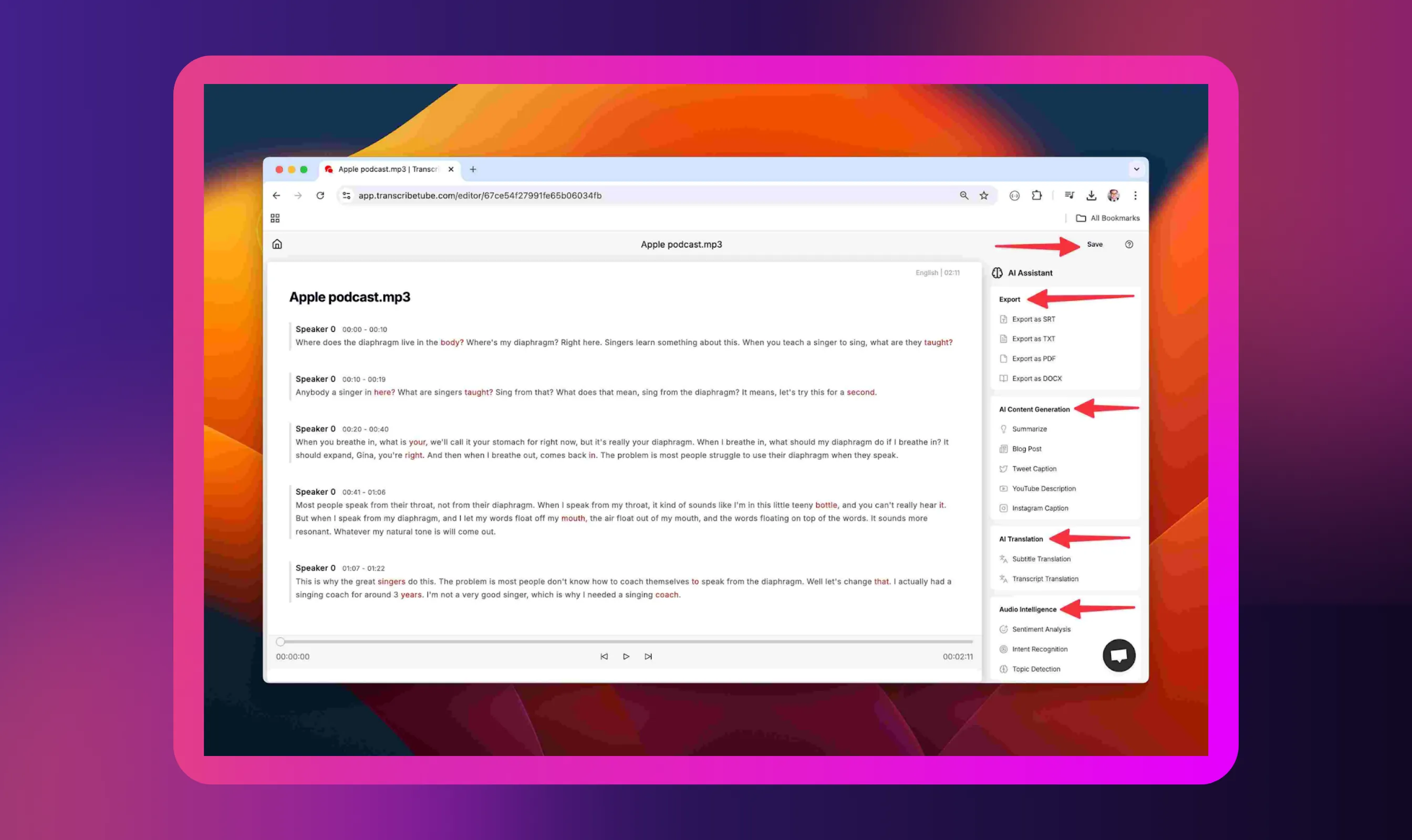
Transcribing your podcast unlocks multiple benefits that extend far beyond simple accessibility:
- Reach readers who prefer text: Many people prefer reading over listening, especially when they want to skim for specific information or consume content in quiet environments. Transcripts let them engage with your podcast on their terms, much like the audiobook vs. reading debate.
- Boost SEO and discoverability: Search engines can't listen to audio, but they index text perfectly. Podcasts with transcripts see a 30-40% increase in organic search visibility, helping new listeners discover your show through Google search results.
- Make content accessible: Over 700 million people worldwide will have hearing disabilities by 2050. Transcripts ensure deaf and hard-of-hearing audiences can access your valuable content.
- Repurpose into multiple formats: Transform one podcast into blog posts, show notes, social posts, email newsletters, and short clips without starting from scratch. Each transcript becomes a content library for your entire marketing strategy.
- Enable easy quoting and referencing: Listeners can quickly find and share specific quotes, timestamps, or key points from your conversation without scrubbing through audio.
- Expand global reach: Translate transcribed podcasts into multiple languages to serve international audiences and grow your podcast community worldwide.
Recommended AI and Transcription Tools
Choose from these top transcription tools based on your budget, accuracy needs, and feature requirements:
- Otter.ai: Free app with 300 minutes monthly, real-time transcription, speaker identification, and mobile/desktop app support. Best for podcasters just starting or those with limited episodes per month.
- Descript: All-in-one editor combining transcription with audio editing, video editing, and screen recording. Ideal for creators who want to edit their audio by editing text directly.
- Rev: Human transcription service delivering 99% accuracy with 12-hour turnaround. Perfect for professional podcasters needing flawless transcripts for publication or legal purposes.
- Sonix: Automated AI transcription at $10/hour with 40+ languages, speaker labels, and automated timestamps. Great for multilingual podcasters or those needing bulk transcription at scale.
- Cleanvoice: An AI-powered tool that transcribes and removes filler words automatically. Suitable for podcasters who want clean, polished transcripts without extensive manual editing.
- Scribie: Budget-friendly option combining AI with human review, starting at $0.80/minute. Works well when you need better accuracy than pure AI but can't afford premium human services.
Most platforms offer free trials, so test multiple options before committing to premium plans.
Expand Your Global Audience with Murf Translation

Once your podcast transcript is ready, Murf's audio translator will help you reach listeners worldwide by translating it into 40+ languages. Non-native English speakers represent a massive untapped audience for your podcast content, and translated transcripts let you serve communities in Spanish, French, German, and dozens of other languages.
Practical use cases include creating localized show notes for international listeners, publishing multilingual blog versions of your podcast episode, and generating subtitles for video podcasts on YouTube that cater to global audiences. Content creators can repurpose translated transcripts into region-specific social media posts that resonate with local communities.
Clean, well-formatted transcripts translate more accurately than raw audio. Before uploading to Murf AI, remove filler words, clarify context-dependent phrases, and ensure proper punctuation. This preparation ensures your translated content maintains the original meaning and tone across different languages, helping you build a truly international podcast following without recording new episodes.
Conclusion
Transcribing your podcast is a strategic investment in accessibility, SEO, and content longevity. Choose manual transcription for precision, AI tools for speed and scalability, or professional services for guaranteed accuracy based on your resources and episode complexity.
The method matters less than the outcome: clean, accurate transcripts that serve deaf listeners, rank in search engines, and fuel your content strategy.
Start with good audio quality during recording to improve transcription accuracy, regardless of your chosen process. Invest time in careful editing and proper formatting to create transcripts worth repurposing.
Your podcast transcript becomes a versatile asset that works harder than the original audio file alone.


Frequently Asked Questions
Is automatic transcription accurate enough for publishing?
.svg)
AI transcription achieves 80-95% accuracy with clean audio but requires manual review before publishing. Always edit for errors in names, technical terms, and punctuation to ensure your transcript meets professional quality standards.
Can ChatGPT transcribe podcasts?
Yes, ChatGPT can transcribe podcasts using OpenAI's Whisper model built into GPT-4o. However, it lacks timestamps and speaker labels, making dedicated transcription tools like Otter more practical for complete podcast workflows.
Why should I transcribe my podcast? What benefits will I get?
Transcripts improve SEO by letting search engines index your content, making podcasts accessible to deaf listeners, and providing source material for blog posts, show notes, and social media content.
Can I use transcripts to create show notes, blog posts, or social media content?
Absolutely. Transcripts serve as perfect source material for repurposing content. Extract key points for show notes, expand discussions into complete blog posts, or pull quotes for engaging social media posts across different platforms.