Best Speech Translators: Top Tools to Translate Speech Instantly



If you’ve ever paused in the middle of a call because you couldn’t bridge a gap in language, you know how limiting it feels. Fortunately, today we have speech translators that can turn spoken words into clear meaning almost instantly.
Tools powered by AI speech translation and speech translation make it possible to speak in one language and be understood in multiple languages without stress.
And they keep getting smarter. People use them everywhere now, be it online classes, business meetings, travel, or even for quick interviews recorded on a mobile device.
You get translated audio, live captions, and real-time transcription that help you keep up without losing context. Some translation tools even translate technical terms more accurately than before.
In this article, we’ll examine some of the best speech translators available today. You’ll learn how they handle audio, how well they manage real-time translation, and what you can expect from each one so you can choose the right fit for your work.
10 Best Tools for Speech Translation
Looking for a reliable tool that performs quick and accurate AI speech translation? Here are a few options you can consider.
1. Murf AI
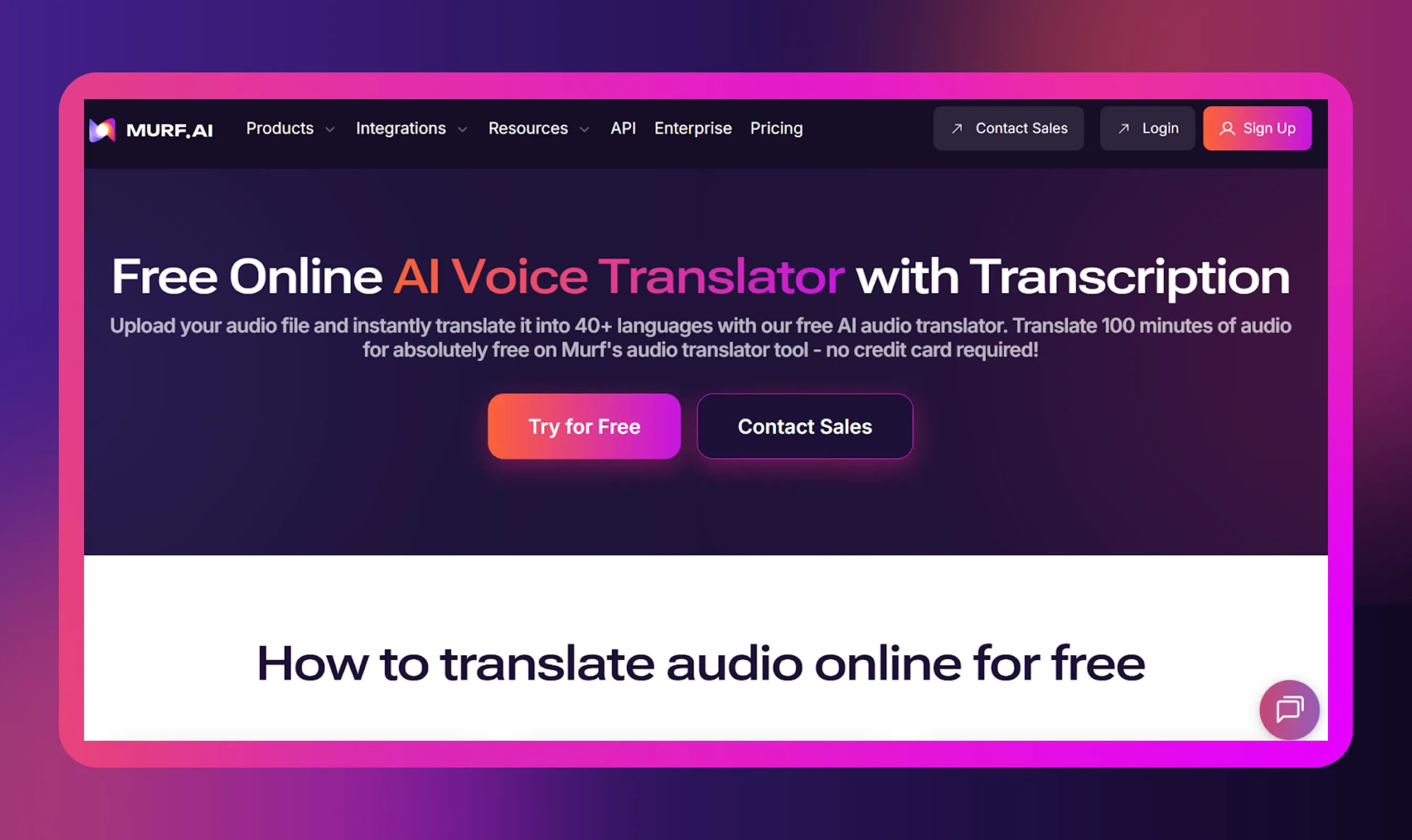
Murf AI has built a reputation for speech translation that keeps the speaker’s personality intact, which is rare in AI tools. Using, Murf's Voice Translator, you can upload audio or record directly, then convert it into translated audio in another language. The output sounds natural, not robotic, which is a big win if you work with podcasts, lessons, or interviews. Murf also supports voice cloning, so you can keep the same tone and feel of the original speaker even in another language. It’s simple to use, works well for creators, and handles larger projects without slowing down.
Key Benefits
- Supports 40-plus languages to translate voice
- Quick processing that feels close to real-time translation
- Lets you clone the original voice for a consistent sound
- Large library of realistic voices you can swap into the translated version
- Handles names and technical terms better than most basic translators
- Strong security and privacy protection for your audio
- Has an API if you want to integrate audio translation into your own product
2. Microsoft Translator
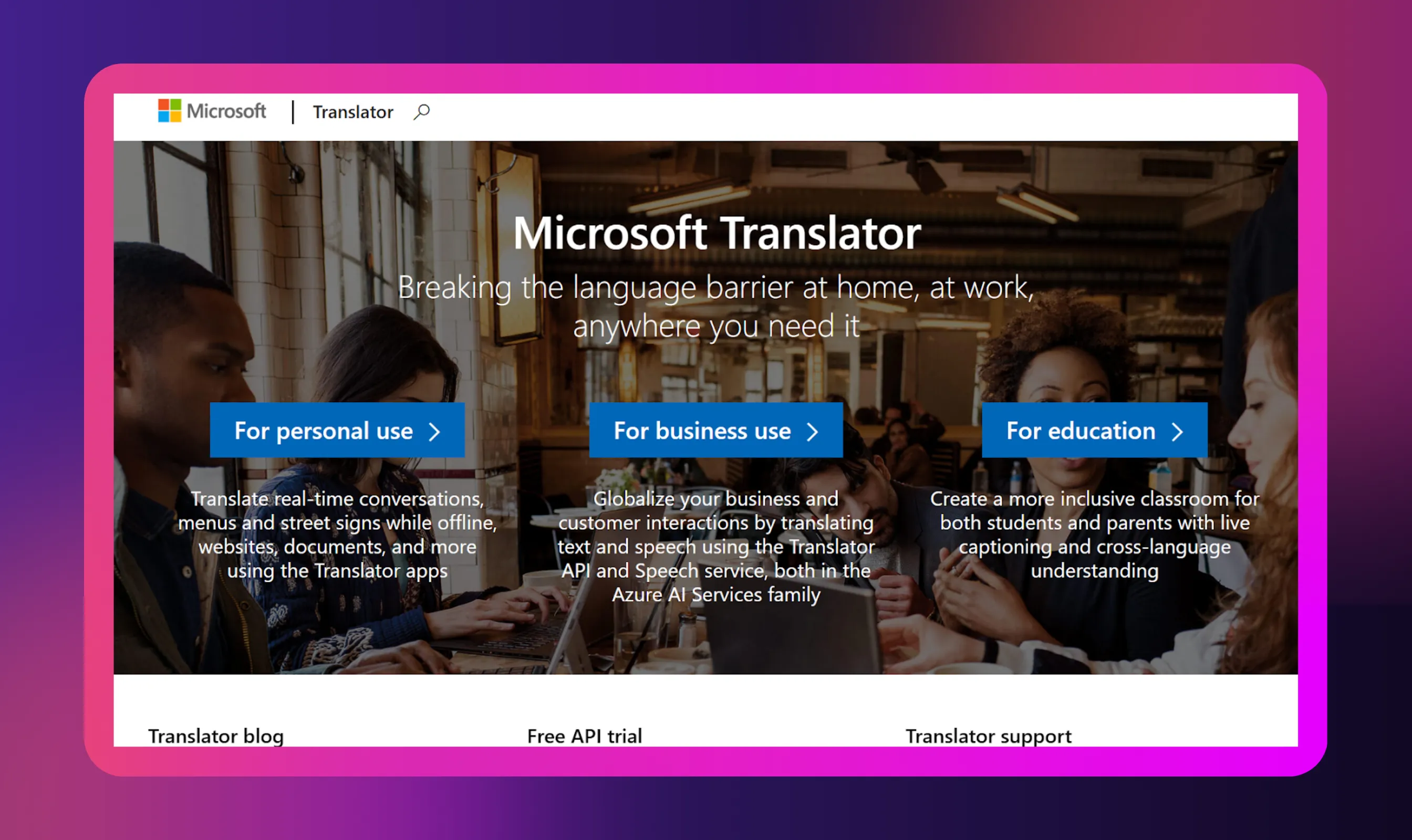
Microsoft Translator has been around for a long time, and it still holds up well for speech translation. You can use it on your phone, laptop, or inside Microsoft apps. One standout feature is its real-time group conversation mode. People join through a simple code or QR link, speak in their own language, and see the translations instantly. It’s handy for classrooms, mixed-language teams, and quick online sessions where you don’t have a human interpreter around.
Key Benefits
- Works with over 100 languages
- Group mode lets up to 100 people get instant translations
- Good real-time transcription during calls or meetings
- Helpful for in-person presentations with translated captions
- Handles domain-specific or technical vocabulary when trained
- Some offline support on mobile for basic speech translation
3. iTranslate Voice
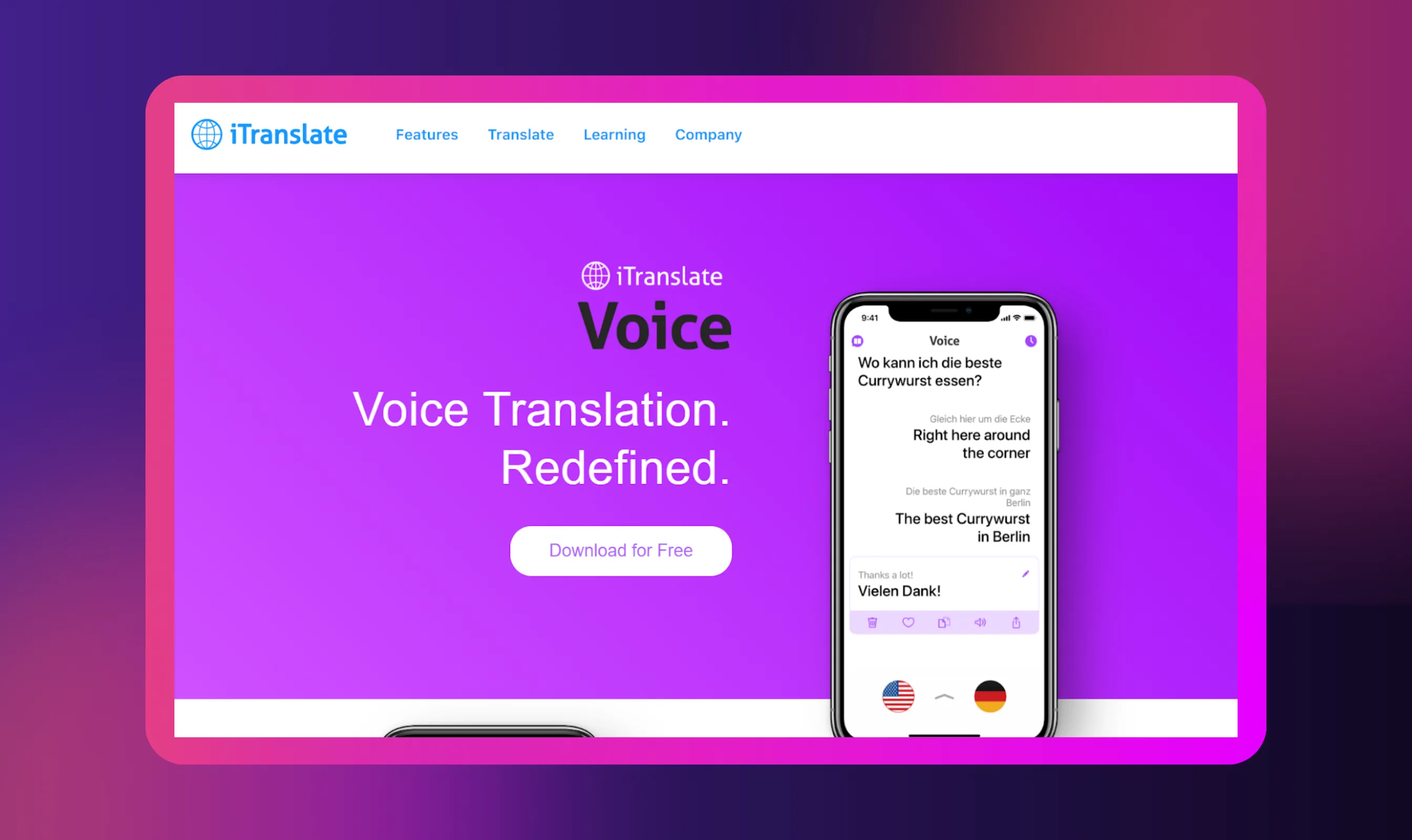
iTranslate Voice is straightforward. Open the app, speak, and listen to your words come back in another language. It focuses mainly on voice translation, which makes it a nice fit for travel, interviews, or quick cross-language chats. The app also saves your conversations for use on other platforms, so you can pull them up later as meeting notes or transcripts. It’s built for a mobile-first world, and it works well even when you’re on a shaky internet.
Key Benefits
- Covers more than 40 languages for back-and-forth speech translation
- Saves full transcripts for later reference
- Built-in phrasebook helps with everyday situations
- Lets you choose different voices and adjust speed
- Some offline features for when you’re not connected
4. Google Translate (Conversation Mode)
.webp)
Most people know Google Translate for text, but its conversation mode is useful when two people need to talk in different languages. You hold the phone between you, speak naturally, and the app handles the translation. It does a solid job with real time transcription, and the fact that it’s free makes it accessible for anyone who needs quick, reliable help with language barriers.
Key Benefits
- Supports a very large set of languages
- Live translation that feels natural for two-way conversations
- Shows what both people said in text on the screen
- Free to use
- Simple interface that works well on any mobile device
5. DeepL Translate
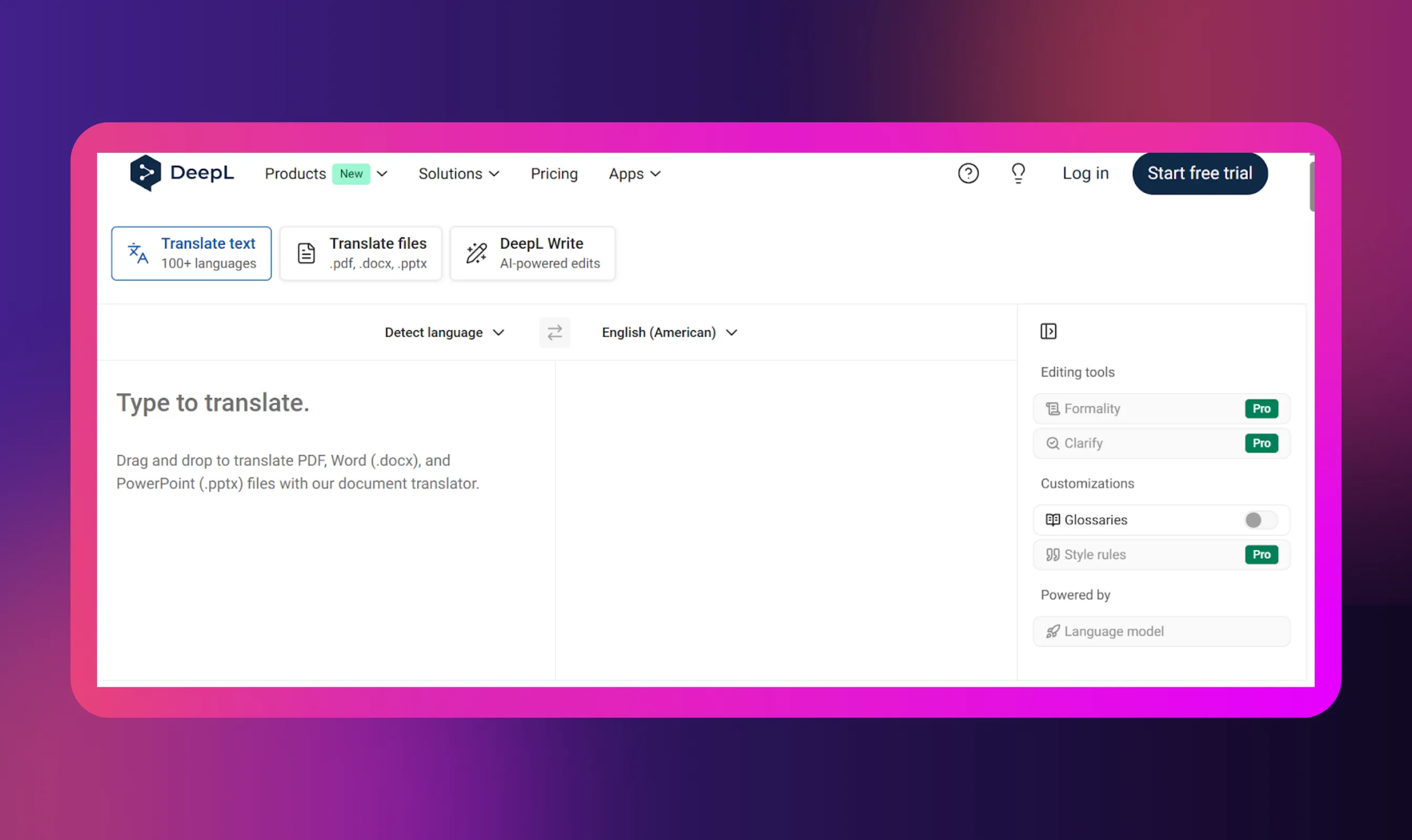
DeepL is known for its text translation, but its newer speech tools are becoming popular for speech translation. You speak into the app or upload a short clip, and it converts it into another language with a focus on context and tone. DeepL is strong when accuracy matters, especially for work that involves detailed wording or sensitive meaning. It’s a clean, simple tool for creators, teams, or anyone who wants fewer errors and better handling of complicated phrases.
Key Benefits
- Strong translation accuracy thanks to DeepL’s engine
- Handles tone and context well in audio translation
- Smooth real-time transcription for quick checks
- Good with complicated or technical sentences
- Simple interface that doesn’t need much learning
6. Amazon Transcribe with Amazon Translate
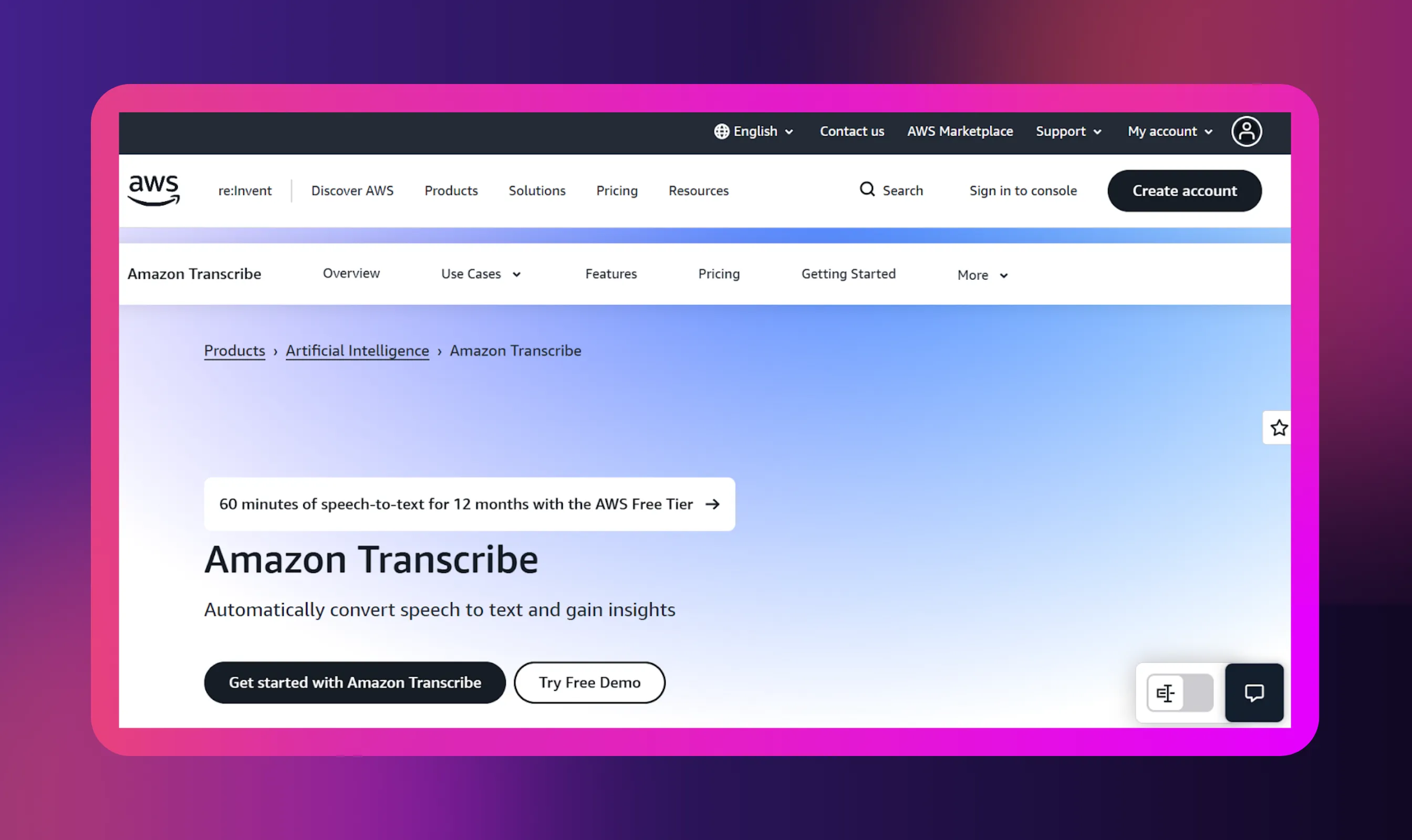
Amazon’s combination of Transcribe plus Translate works well if you want something reliable for business or large workloads. It turns your speech (or any audio) into text with high accuracy, then runs that text through Amazon Translate for instant translations. You can use it for videos, long recordings, online meetings, interviews, or training content. It’s flexible, and because it's part of AWS, it handles larger projects without struggling.
Key Benefits
- Strong accuracy for speech-to-text
- Works with multiple languages for translation
- Can process long audio files
- Handles domain-specific or technical terms well
- Built for creators who need scalability and dependable results
7. Meta SeamlessM4T
Meta’s SeamlessM4T model focuses on unified speech translation, meaning it works across audio, text, and live captions in one system. It supports many languages and handles mixed content well. It can listen to speech, translate it, generate captions, or turn it into translated audio without switching tools. It’s still developing, but it’s one of the more ambitious options for multilingual creators.
Key Benefits
- Converts speech to text, text to speech, and speech to speech
- Supports many languages for global use
- Good for interviews, research, and multilingual content
- Clear output that avoids losing meaning
- Works for both short clips and long discussions
8. Lingvanex
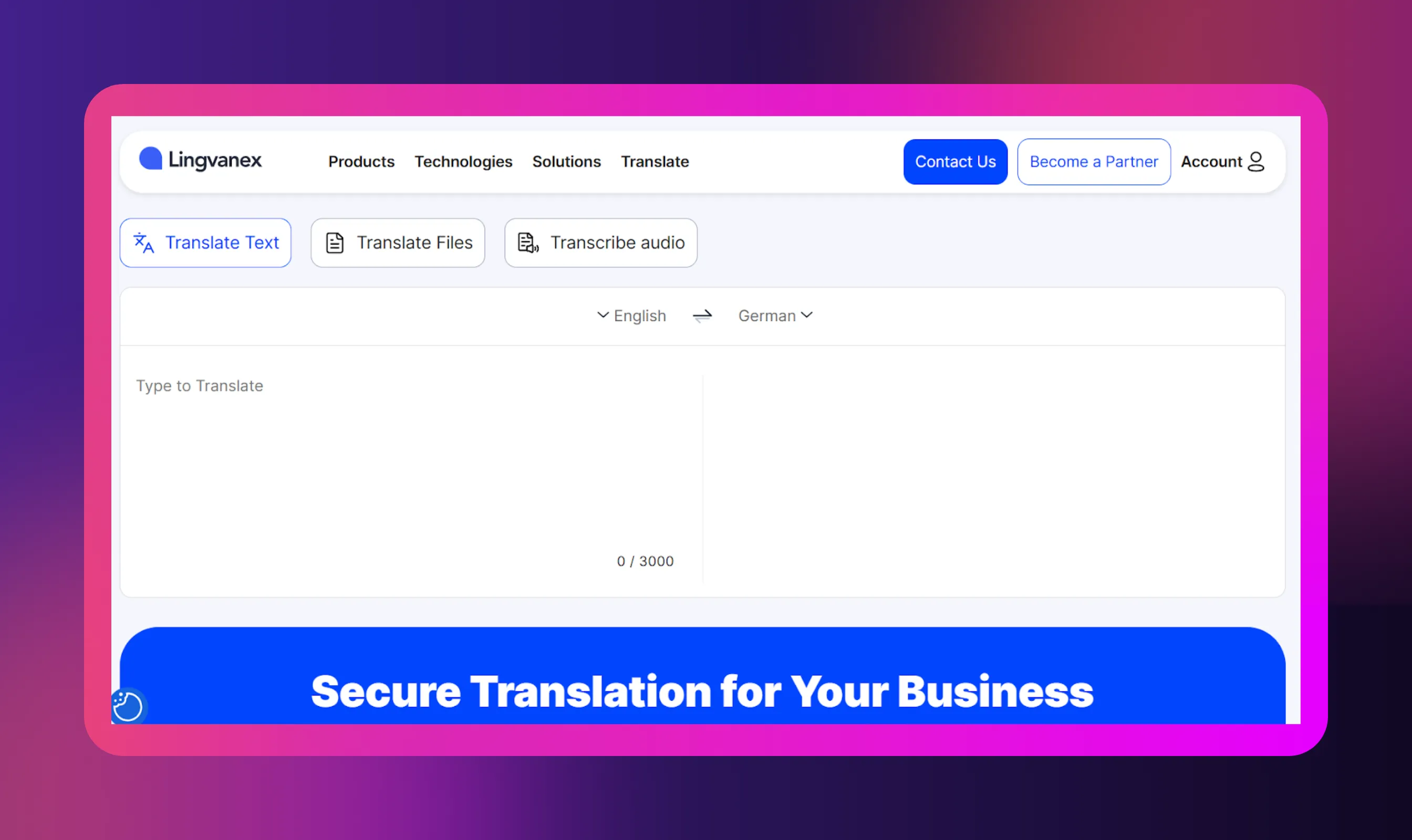
Lingvanex is one of those tools built for straightforward voice translation. You press a button, speak, and get your results quickly. It works on phones, desktops, and browsers, and you can also drop in audio files for audio translation. The tool also creates meeting notes from your recordings, which is nice if you handle a lot of calls or client conversations.
Key Benefits
- Supports a wide range of languages
- Saves transcripts you can export or share
- Simple for travel, business chats, or hybrid work
- Translates both speech and text in one place
- Works cleanly across different devices
9. VoxTranslate
VoxTranslate focuses on easy real-time translation during calls, presentations, and small team discussions. You can use it on a mobile device or browser. It listens, transcribes, and delivers instant translations in a clear voice. It works well for anyone who needs fast, practical help without complicated menus. Think small workshops, creators collaborating globally, or freelancers working with international clients.
Key Benefits
- Live voice translation with fast response
- Good for one-on-one calls and group meetings
- Provides quick captions and transcripts
- User-friendly layout that stays out of the way
- Handles casual and professional conversations easily
10. Palabra AI
Palabra comes across like a tool built for real people having real conversations. You open it, start speaking, and it simply keeps pace without making you jump through hoops. It listens closely, responds quickly, and helps create seamless communication, not forcing you to change the way you naturally talk. It’s practical, steady, and designed to stay out of the spotlight so you can focus on the actual conversation.
Key Benefits
- Handles everyday speech without slowdowns or over-enunciating
- Picks up accents and normal speech quirks for smoother translations
- Provides quick responses to keep a live conversation going
- Stays stable even when people go off-script to keep the flow going
- Lets the interaction feel human rather than technical
Top 10 Use Cases of a Speech Translator
Here are ten undeniable ways a speech translator can help people in their profession as well as in everyday life.
- Conversations between people who speak different languages: A speech translator helps two people talk without stopping to type or guess words. You speak normally, and it gives the other person the meaning in their language.
- Business meetings and hybrid events: Teams often work in different countries, and not everyone speaks the same language. A translator keeps the meeting moving by giving quick, clear translations of what people say.
- Online meetings on Google Meet or Microsoft Teams: When people join from different regions, it’s easy to get lost. A translator adds real-time transcription and translations so everyone understands what’s being said.
- Interviews and podcasts: Creators can record in one language and use the tool to create translated audio or text. This lets more people understand the content without extra recording.
- Travel or in-person communication abroad: When you’re traveling, small things like asking for directions or ordering food become easier with instant translations. You speak your language, and the app gives the reply in the local one.
- Education and training sessions: Classes often have students who speak different languages. A translator helps them follow the lesson without waiting for someone to explain it later.
- Customer support teams helping global users: Support agents get voice messages from people in many places. An AI translator turns them into clear transcripts so the team can reply correctly.
- Live events, talks, and community programs: Organizers can offer live audio in more than one language. People can scan a QR code and listen to the translation on their phones.
- Content creation and accessibility: Creators can take their recordings and turn them into versions in multiple languages. This makes the content easier to access for people who don’t speak the original language.
- Documentation and meeting notes: A translator turns long conversations into text you can save or share. It helps teams keep track of what was said without worrying about language gaps.
Conclusion
As you can see, speech translation isn’t magic. It’s simply a helpful piece of tech that lets people talk without getting stuck on language. You speak the way you normally do, the tool listens, and both sides understand what’s going on. That’s it.
The best part is how it smooths out everyday moments. A work call doesn’t drag and a quick interview doesn’t feel tense. Even casual conversations stay on track. As long as the tool catches your words clearly, it keeps things moving.
As this tech gets smarter with real-world voices, the whole translation experience now feels more natural than it did a few years ago. And with features like Murf’s Audio & Video Translator, your content can be localized effortlessly. Overall, with AI tools like Murf in your corner, you can communicate without turning a simple translation into a big production.


Frequently Asked Questions
How Do I Translate a Live Conversation between Two People?
.svg)
Most apps make this pretty simple. You open the translator, choose the two languages, and set the mobile device between the speakers. When one person talks, the app listens and gives the translated audio out loud. Then it flips to the other person. You don’t need to be tech-savvy. You just talk and let the tool do the work.
How Can Speech Translation Help in Meetings or Interviews?
It significantly lowers the anxiety that people can feel when they’re not comfortable expressing themselves in a foreign language. The tool bridges the gap and without slowing them down to look for the right words. The answers are more accurate, leading to fewer misunderstandings and an overall smoother conversation. As such, people can focus on the discussion instead of language barriers.
How Is Speech Translation Different from Regular Translation?
Regular translation deals with text or audio files. You give it an input, and it takes its time to process it and produce an output. Speech translation, on the other hand, is a live conversation during which someone speaks and the system quickly responds with the translated output. It is suitable for people talking in different languages, not for turning documents into another language.
What Does Speech Translation Actually Mean?
Simply put, it refers to taking the words said in one language and reproducing them in another language while the person is still talking. You speak like you normally would, the tool listens, and provides the other person with an output in their language. The core idea is to support the flow of the conversation, not to make it sound perfect.
How Does AI Make Speech Translation Faster and More Natural?
AI gets better with time by listening to real people speaking in:
- Different accents
- Different speeds
- Different ways of phrasing things
The more it is exposed to these, the better it understands the meaning of the user. It also gets better at producing translated audio that sounds more and more natural. Eventually, this is making the translation process quicker and less rigid.