Best Podcast Editing Software: Top Picks to Level Up Your Podcast



Podcast editing software has a direct impact on how your show sounds and how fast you can publish it. While clean audio keeps listeners around, a smooth workflow saves hours every week.
To get both, you need a reliable and capable editing tool. The problem is that there is no all-in-one solution. What works for one podcaster may slow down another.
A beginner podcaster may want something simple with presets and auto cleanup. Pros usually need full control over tracks, plugins, noise reduction, and loudness. Some podcasters edit on desktop. Others prefer mobile or browser-based tools.
Hence, choosing the right podcast editing software can be challenging, which is what this guide aims to address.
This guide will help you:
- Pick the best podcast editing software in 2026
- Understand what features actually matter
- Learn why your editing tool affects podcast growth
- Build an efficient workflow for podcast editing for you
Let's get started.
Top Podcast Editing Software in 2026
There are several podcast editing software options on the market now, including Adobe Audition, Audacity, and Descript. Each of them has a different focus and handles audio and video in unique ways.
Let's check them out here in detail, and what users are saying about them.
1. Adobe Audition: Best for Full Studio Control and Professional Production
- G2 Rating: 4.4/5 from 409+ Reviews
- Capterra Rating: 4.6/5 from 240+ Reviews
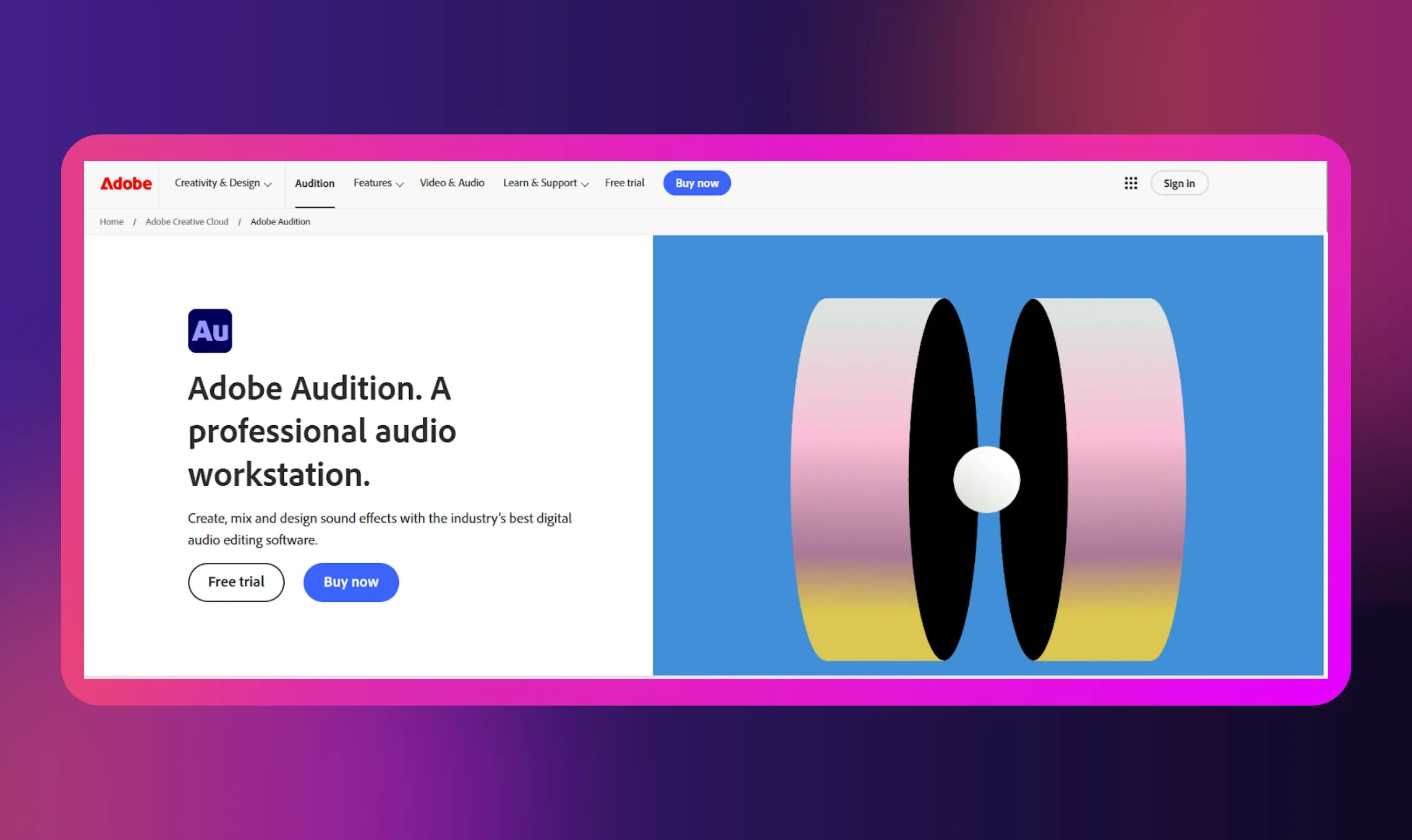
Adobe Audition is a professional audio editing software built for podcasters who want full control over sound. It is part of the Adobe suite, which makes it a strong fit for teams already using Creative Cloud. This editing tool supports deep multitrack workflows, precise cleanup, and advanced effects.
While it is powerful, its steep learning curve restricts it to experienced editors rather than casual creators.
Key features
- Multitrack editor: Edit, stack, and revise audio without altering originals
- VST and AU plugins: Work with most of the third-party audio processing tools
- Regular updates: Improve performance, stability, and broadcast-level audio standards
- Tight Adobe integration: Share assets, updates, and version control across Adobe apps
Pros
- Precise control over every audio detail
- Handles large, complex sessions without lag
- Works well with external plugins and hardware
Cons
- Steep learning curve for new podcasters
- Subscription-only pricing via Creative Cloud
2. Audacity: Best Free Option for Beginners and Budget Podcasters
- G2 Rating: 4.5/5 from 251+ Reviews
- Capterra Rating: 4.5/5 from 461+ Reviews
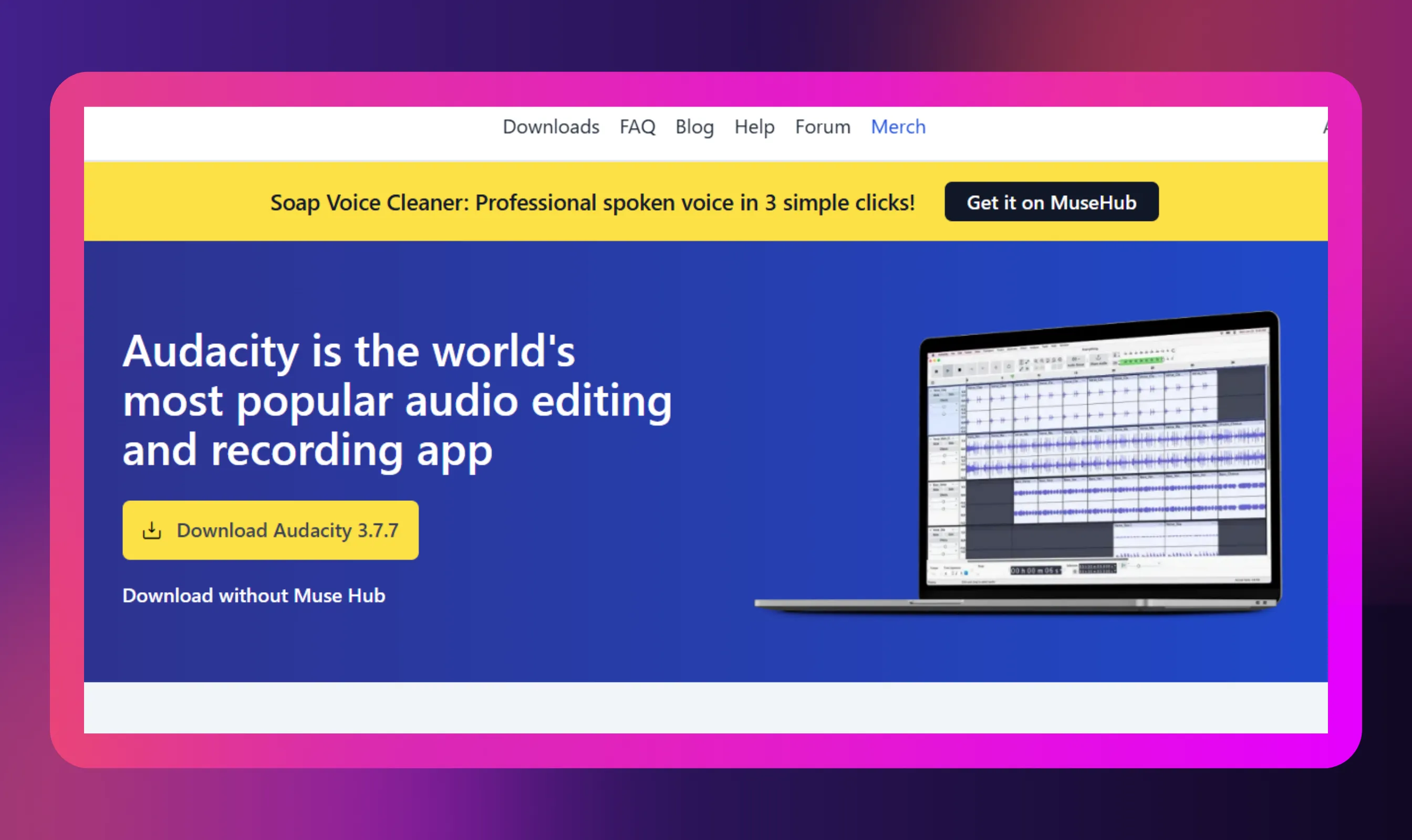
Audacity is one of the best podcast editing software options for creators who want solid basics without spending money. This free, open-source tool runs on Windows, macOS, and Linux, making it easy to start anywhere.
Audacity covers basic-to-intermediate editing needs, such as trimming, noise reduction, and level adjustments. While it is not flashy, it is reliable and well-suited for learning the fundamentals of podcast editing.
Key features
- Cross-platform support: It works on Windows, macOS, and Linux with identical core features
- Multitrack support: Work with diverse tracks, effects, and audio formats like MP3 and WAV
- Built-in noise reduction tools: Clean up raw voice recordings right within the tool
- Waveform-based editor: Easy for cutting, trimming, and rearranging audio clips
Pros
- Completely free with no feature paywalls
- Runs well on older or low-spec computers
- Ideal for learning core podcast editing skills
Cons
- Manual workflows can be slow for long episodes
- No built-in transcription or AI-assisted features
3. Descript: Best for AI-Powered/Transcript-Based Editing
- G2 Rating: 4.6/5 from 825+ Reviews
- Capterra Rating: 4.7/5 from 177+ Reviews
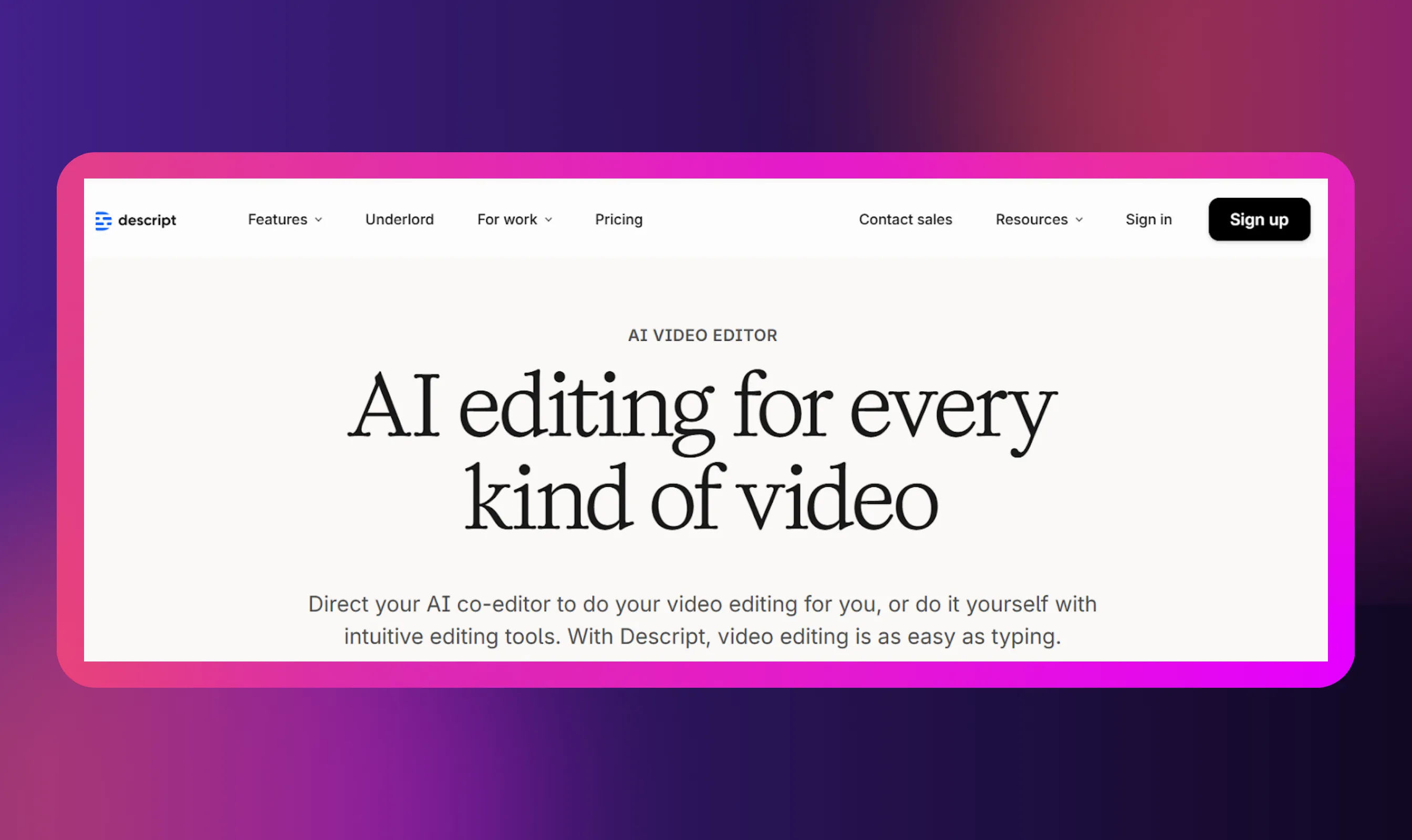
Descript is a paid editing software that flips traditional podcast editing on its head. Instead of working on waveforms, you edit audio by editing text. This audio editor auto-transcribes recordings and lets you cut, move, or clean audio like a document.
If you are a creator producing both audio and video podcasts and are looking to save time, automate editing, and make repurposing easier, this is the best option.
Key features
- Automatic transcription: Navigate faster with speaker labels and searchable text
- Text-based editing: Instantly delete words or sentences to edit audio and video
- Filler-word removal: Remove filler words, like 'ums,' 'uhs,' and long pauses
- Overdub voice cloning: Fix small mistakes without re-recording sections
Pros
- Extremely fast editing compared to waveform-based tools
- Strong transcription accuracy for spoken content
- Handles audio and video in one workflow
Cons
- Limited fine-grain control over audio effects
- Less flexible for complex multitrack sound design
4. Riverside.fm: Best for Remote Recording, Editing, and Multi-Guest Workflows
- G2 Rating: 4.8/5 from 1557+ Reviews
- Capterra Rating: 4.1/5 from 12+ Reviews
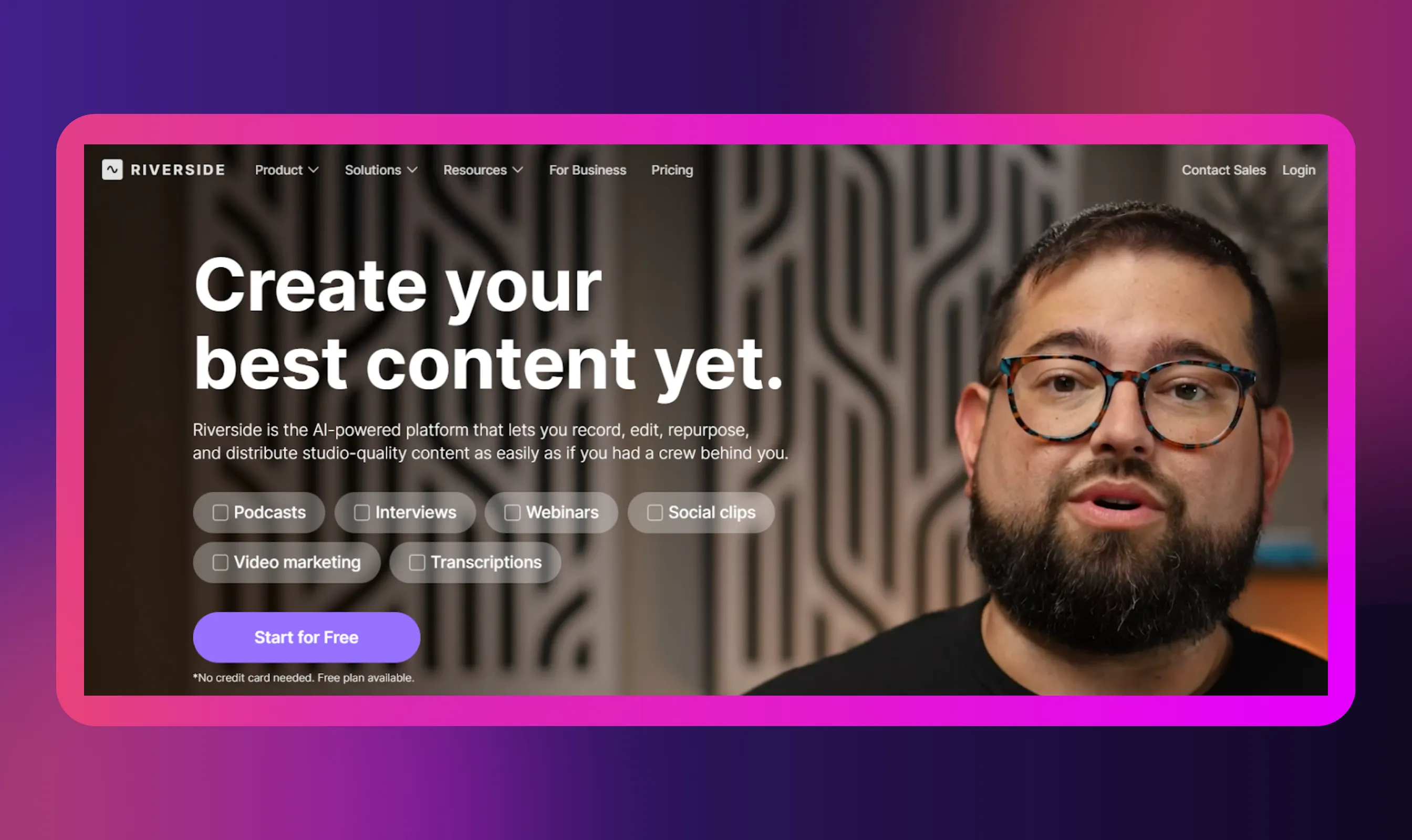
Riverside.fm is a podcast recording software built for remote shows with multiple guests. It also offers a free plan, making it easy to test before committing.
Riverside.fm records high-quality audio locally for each participant and uploads it to the cloud. This setup avoids internet-related quality drops and feeds directly into its browser-based editor.
Key features
- Studio-quality recording: Capture audio locally and sync automatically after sessions
- Integrations: Connect recording sessions directly to post-production workflows
- Browser-based: Time, arrange, and export episodes right on the browser
- Cloud-based recording: Ensure separate local tracks for each guest
Pros
- Reliable remote recording with consistent audio quality
- Separate tracks for easier editing in multi-guest shows
- Scales efficiently for interview-heavy podcasts
Cons
- Basic editing features compared to modern audio editors
- Advanced exports and controls are locked behind paid plans
Other Noteworthy Editing Tools
While the above are among the top editing software on the market, there are other great tools worth checking out.
Here are five of them we found to be really promising and user-friendly:
1. GarageBand
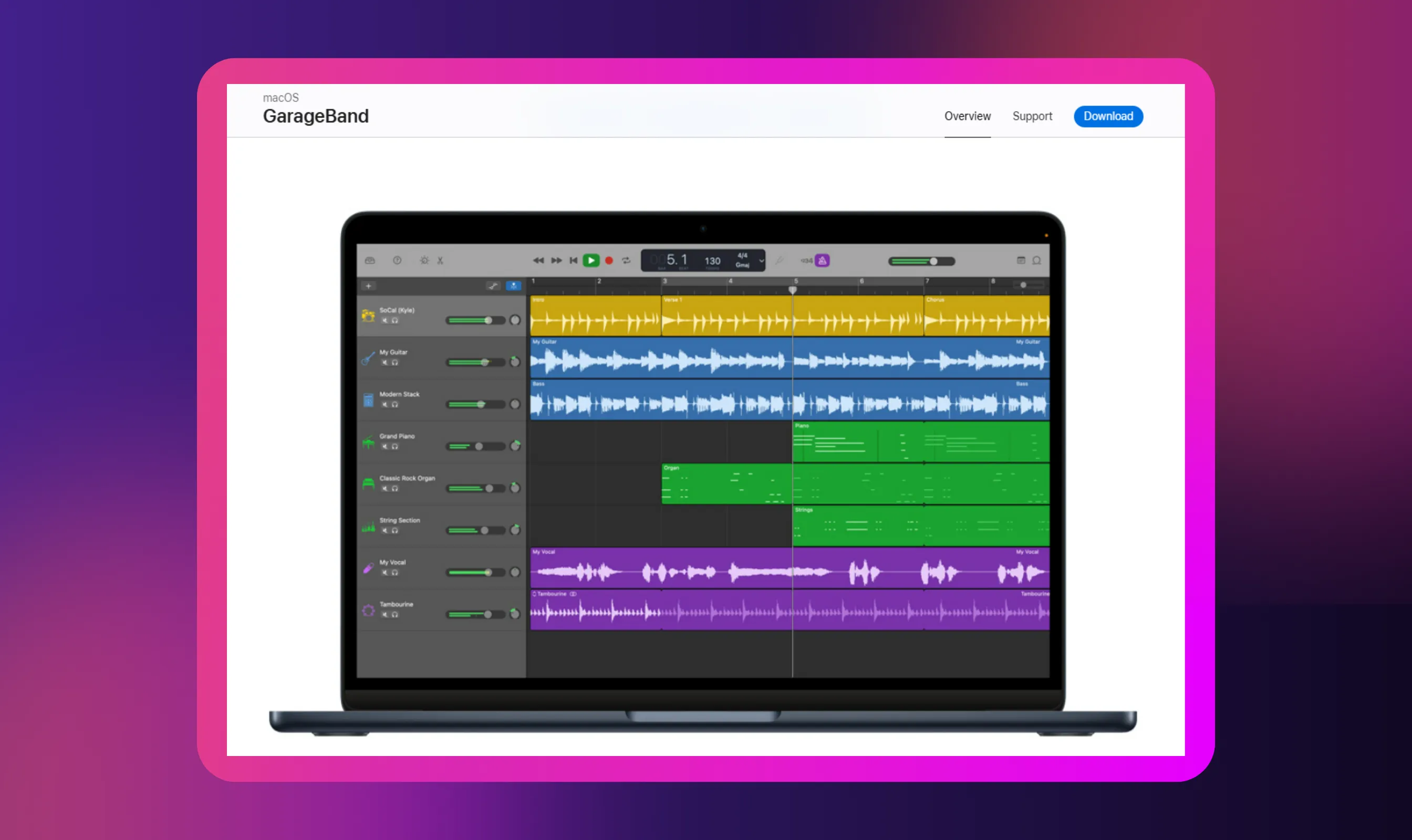
GarageBand is a free Apple-only editor that works well for simple podcast editing. It supports basic multitrack recording, trimming, and EQ with a clean interface.
The platform is good for beginners already on a Mac or iPad. However, it offers limited export formats and loudness settings, and no advanced tools for deep noise reduction or audio restoration.
This means the tool is fine for simple edits but not ideal for precise exports or heavy audio restoration.
2. Reaper
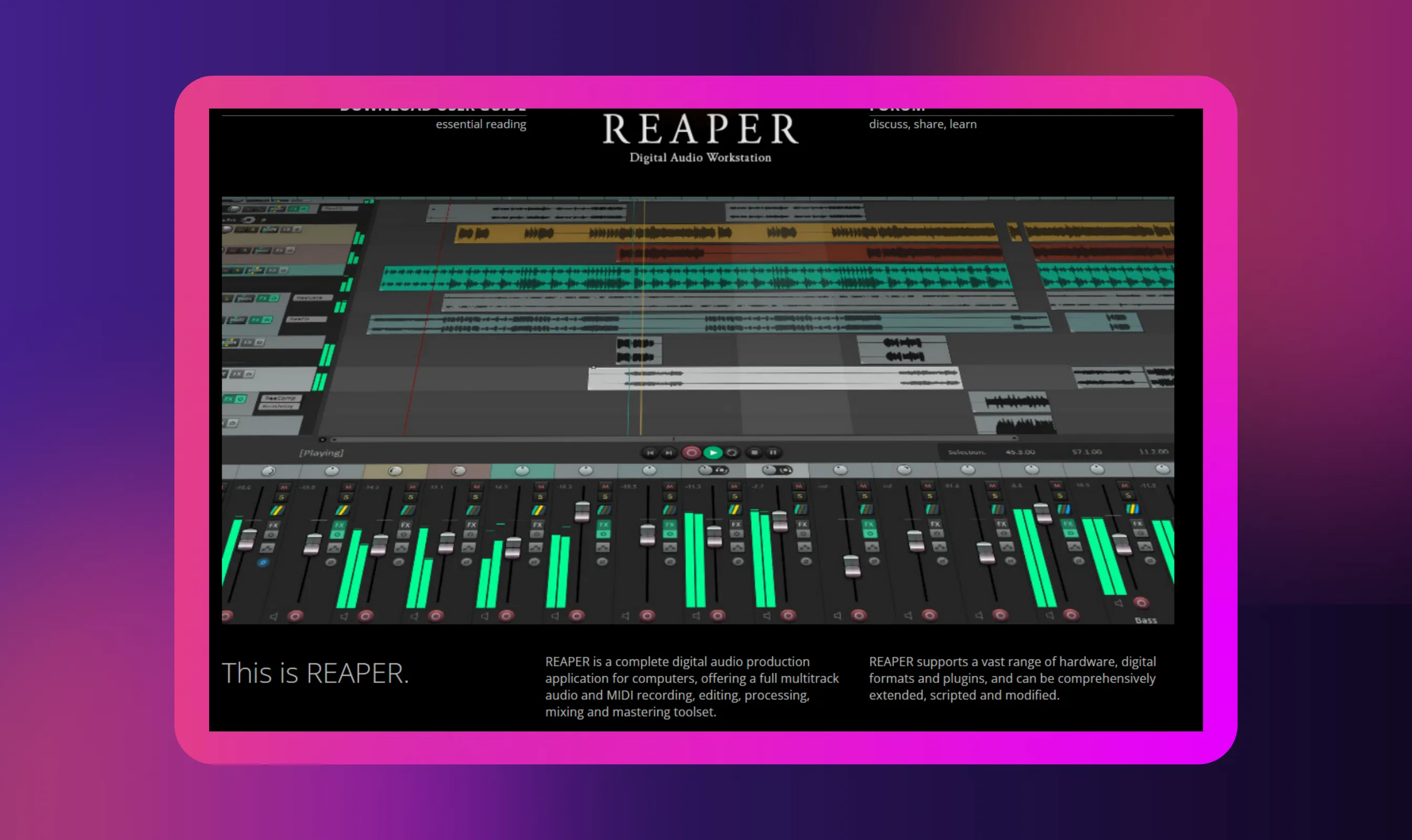
Reaper is a lightweight but powerful DAW used by many serious podcasters. It offers deep multitrack control, automation, and plugin support at a low cost.
The interface is flexible but not beginner-friendly. Best for users who want control without paying enterprise pricing.
For those who want an affordable editing tool, Reaper can perfectly get the job done.
3. Hindenburg PRO
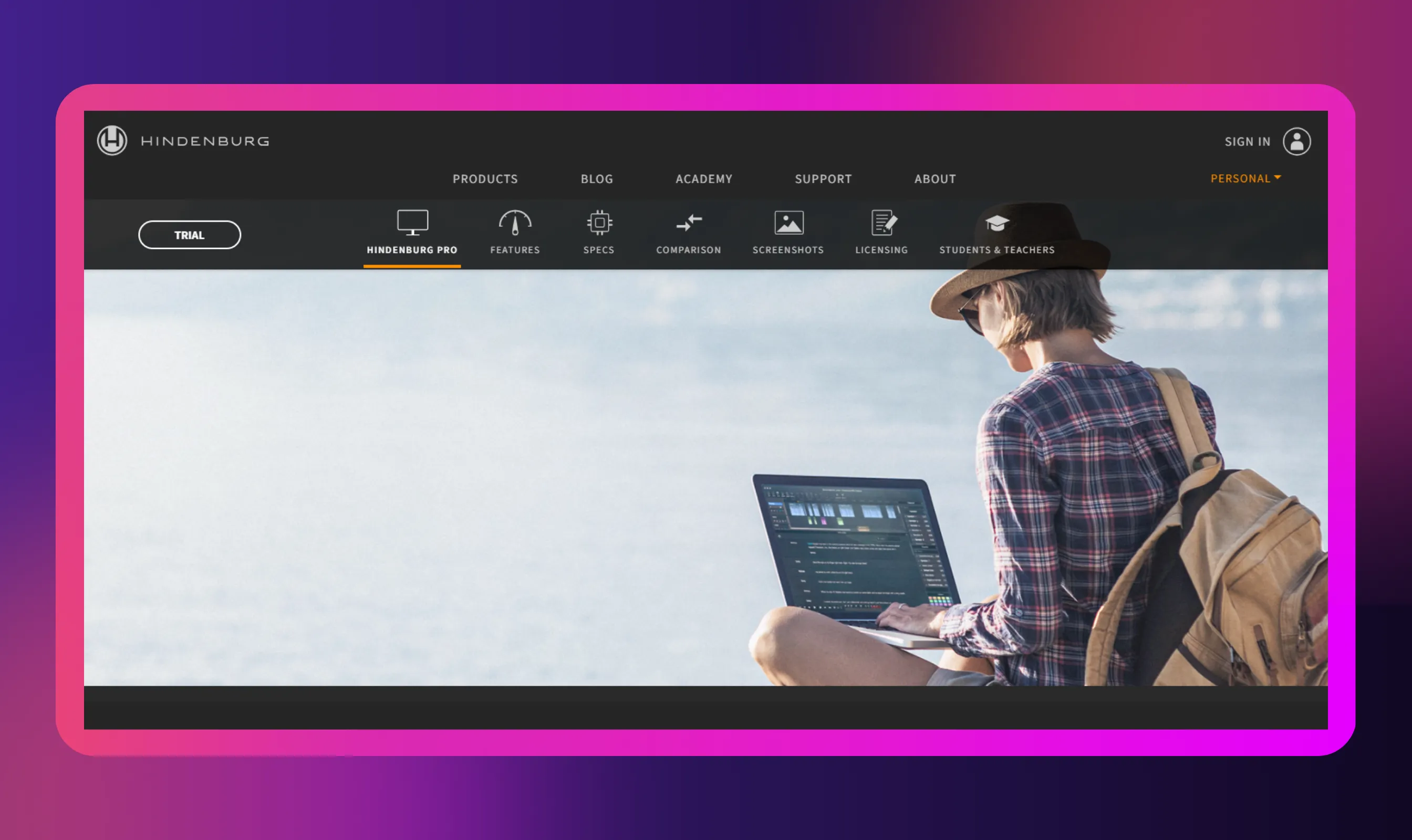
Hindenburg PRO is built specifically for spoken-word production. It handles levels, loudness, and compression automatically, which reduces manual work. The platform is ideal for interviews, narrative podcasts, and radio-style shows.
However, if you want to work with music-heavy or experimental audio projects, you will be better served by other tools.
4. WavePad
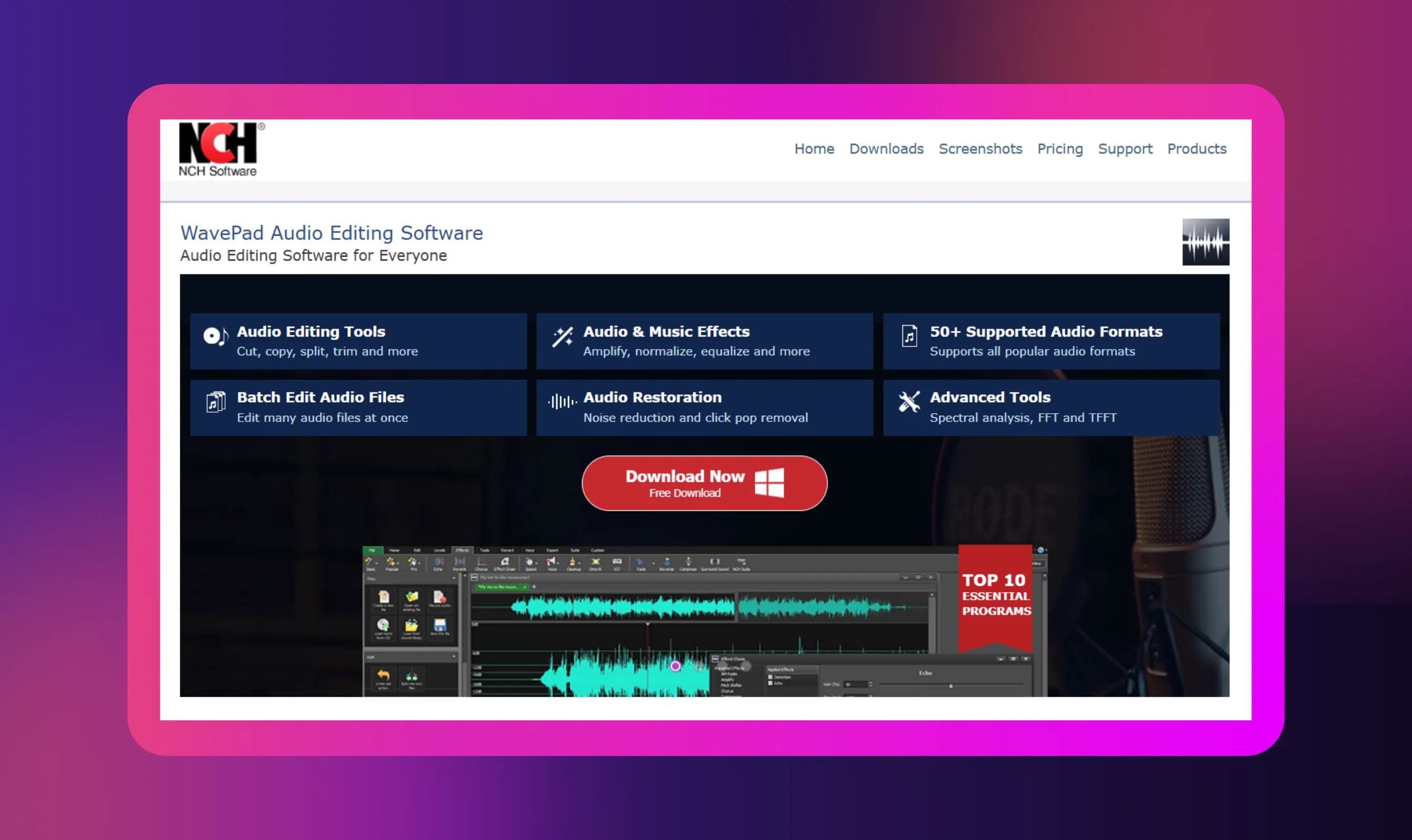
WavePad and similar lightweight editors focus on quick edits and basic cleanup. They are useful for trimming, normalizing, and simple noise reduction.
However, this software is not designed for complex multitrack workflows or non-destructive editing. If you want quick fixes or to edit very simple podcasts, this is the right one.
5. Pro Tools
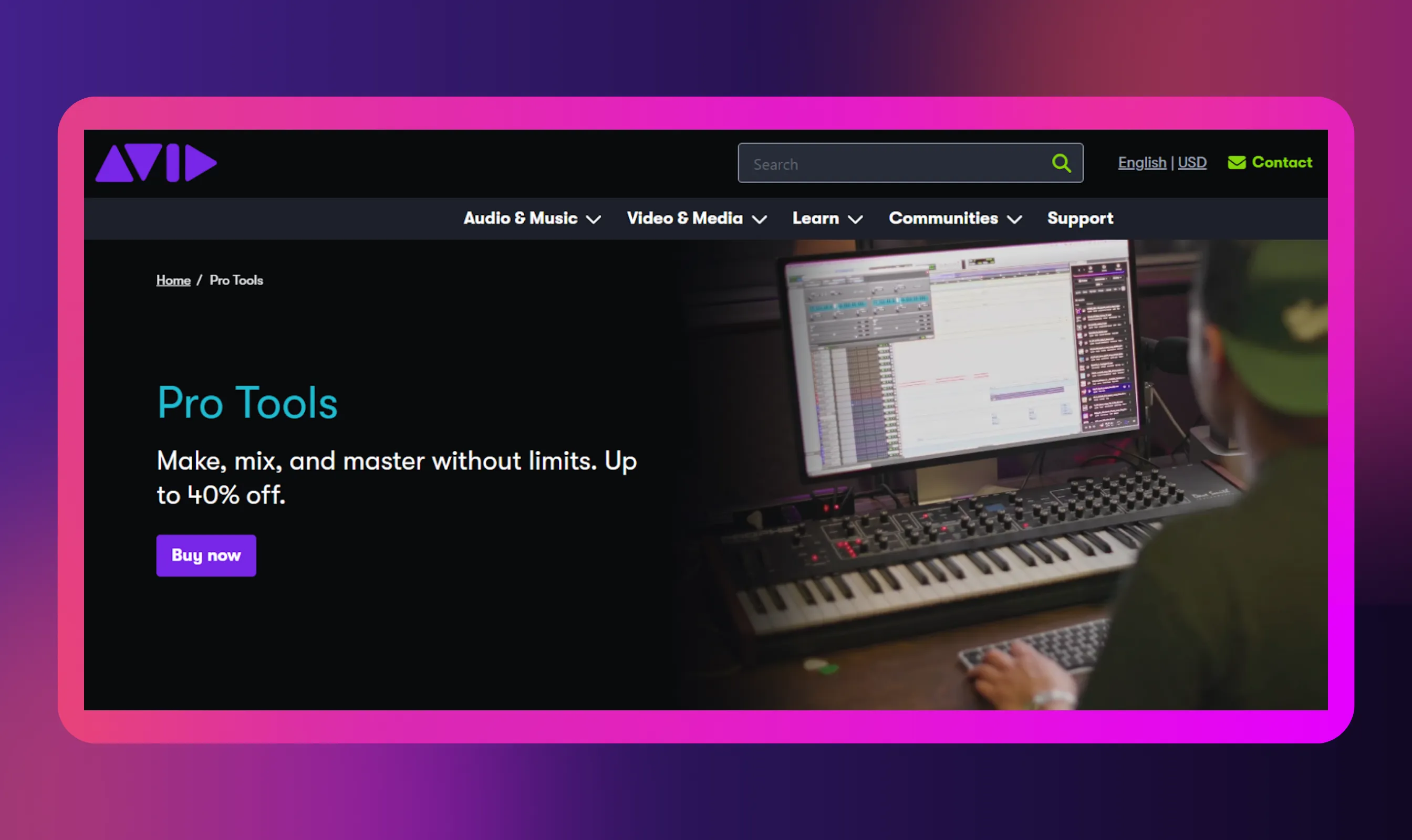
Pro Tools is an industry-standard DAW used in studios and broadcast environments. It offers precise editing, advanced mixing, and strong hardware integration. Pro Tools is suitable for teams already working in professional audio pipelines.
If you have used this tool, you may think it is an overkill for most podcasters and expensive to maintain.
Why Choosing the Right Podcast Editing Software Matters
Editing software does more than clean up mistakes. It shapes how professional your podcast sounds, how long production takes, and how easily it scales as your show grows. The right tool supports your workflow instead of slowing it down.
Here are the most important reasons to choose the right podcast editing software that meets your individual needs:
- Audio quality: The software you use determines how clean and consistent your audio sounds, from noise reduction to balanced volume across voices
- Editing speed: A good tool cuts down the time you spend editing, so you can publish faster without burning out
- Remote recording: Your software affects how smoothly you record remote interviews and manage guest audio without quality drops
- Multitrack control: As your podcast grows, you’ll need better control over multiple voices, music, and segments
- Listener experience: Clean edits, tight pacing, and fewer distractions keep your listeners engaged longer
- Scalability: The right setup lets you reuse templates, presets, and workflows as your show becomes more consistent
Key Features and What to Look For When Evaluating Podcast Editors
Podcast editors aren’t interchangeable. The right one depends on how you record, edit, and manage your audio files day to day. Instead of choosing based on popularity, it’s worth looking closely at features that actually support your workflow and long-term goals.
Here are a few key features to look for when researching the best podcast editing tools in 2026:
- Multitrack Editing
If your podcast features multiple hosts, remote guests, music, or ads, multitrack editing gives you the control you need. It lets you adjust, clean, and balance each voice independently without disrupting the rest of the episode.
This becomes a key feature for production if you work in a business setup that requires producing podcast content faster.
- Noise Reduction
Room noise, mic hum, and inconsistent recordings are hard to avoid. A strong editor helps you reduce these issues efficiently while keeping voices natural and clear.
With noise reduction, you can effortlessly improve the quality of your podcast and, by extension, the user experience.
- AI-Based Editing
AI features can significantly cut editing time. Tools for transcription, smooth transitions, filler-word removal, and text-based edits are useful when speed and consistency matter more than manual precision.
Along with saving time, AI can also let you complete tasks that you may lack the skills to do yourself.
- File Handling
Podcasting involves handling large, frequent audio files. A good editor should handle imports, organization, and exports smoothly, without crashes or format limitations.
Efficient file-handling features can save you time and improve your overall workflow.
- Budget and Pricing
Free tools are fine if your focus is learning and light editing. However, if you want full-featured tools, then paid options are the best.
Although expensive, paid editors usually justify their cost by saving time, improving consistency, and supporting growth.
However, ensure the tool meets your unique budgetary needs.
- Workflow Fit
Every podcaster, whether a business or a content creator, has a unique workflow that meets their needs. And the tool you choose must suit the workflow.
The best editor aligns with how you work, like on desktop, browser, or cloud, so that editing feels efficient rather than forced.
Hence, always take demos of the tools before buying them.
Recommended Workflow for Podcast Editing: From Recording to Publishing
A clean workflow matters as much as the tools you use. Good editing programs support each stage of audio production, from recording to distribution, without adding friction.
- Pre-Production and Recording
Start by controlling what you can before you hit record. Use a decent mic, record in a quiet room, and reduce echo with soft furnishings. For remote guests, guide them on mic placement and internet setup. Also, to avoid overlap while editing, record each guest on a separate audio track.
- Basic Editing
This is where you really get into the process of editing the audio files. You need to start with a cleanup, removing background noise and correcting trimming mistakes. If there are any long pauses, fix them as well. You can use leveling and normalization to keep voices consistent. Free or beginner tools are usually enough at this stage if the recording quality is solid.
- Advanced Editing and Production
Once the basics are done, move to multitrack mixing. And this is where you need to really get creative with editing. Check for balance issues and address them right away if you find any. Here, you can also add transitions and apply compression. While introducing music or effects, be careful not to overdo it.
- Multilingual Dubbing and Translation
After finalizing your episode, tools like Murf AI let you create multilingual versions using AI dubbing. You can translate and voice episodes for non-English audiences, repurpose content for YouTube, or test regional platforms. Murf AI also lets you dub guests' audio into a foreign language, in their own voices.
Even the free version helps experiment with creating video podcasts for global reach.
- Post-Production
Once you have finished editing and are happy with the results, the next phase is post-production.
In this step, you export in the right format, add metadata, and publish. Then create clips for promos, social posts, or audiograms. You may even use AI tools to help you pick interesting bits from the podcast to promote. Thoughtfully adding music or background music keeps branding consistent across platforms.
Create Top-Notch Podcasts and Localize Them for Wider Reach
The right editing software shapes every podcast episode you publish. It affects how clean your audio content sounds, how much editing you need, and how easy it is to maintain consistent audio levels across episodes.
Some tools help you start recording quickly. Others are highly customizable, giving you deeper control and access to other features as your workflow matures. There’s no single best option. The right choice depends on how complex your production is and how much time you want to spend editing. What matters is choosing a tool that supports your process rather than slowing it down.
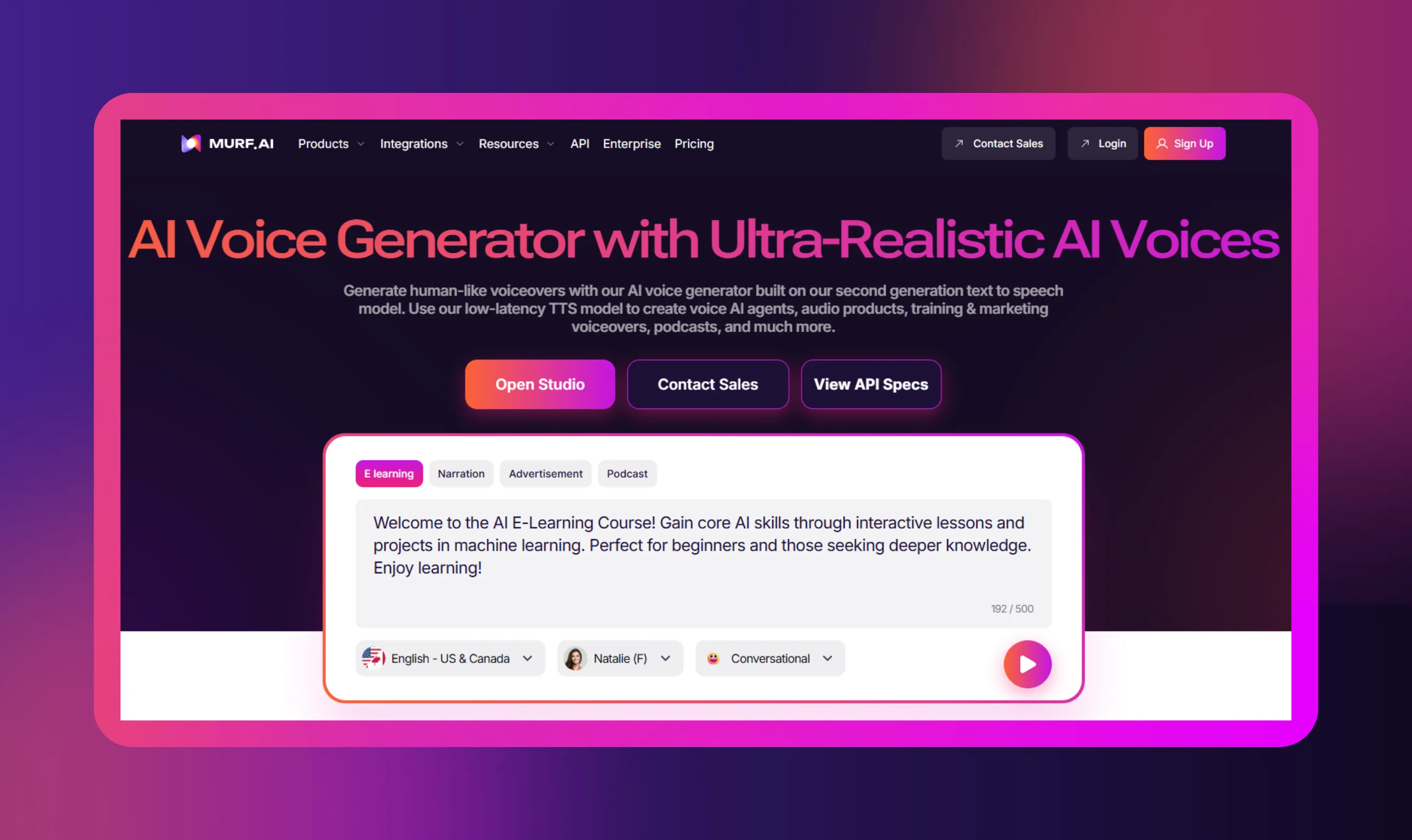
Tools like Murf enable AI dubbing to localize episodes and help you reach new listeners without re-recording.


Frequently Asked Questions
Can I edit my podcast entirely in the cloud or on a browser?
.svg)
Yes, you can do both. Some of the best software for editing lets you work in the cloud or in a browser as needed.
What features are essential for podcast editing software?
The advanced features of a podcast editing software must include sound effects, third-party plugin compatibility, auto-ducking, AI editing capabilities, etc. An important thing to look for is a tool with a low learning curve. It will ensure you can learn and use the tool quickly. Other
Are AI-powered editors worth it?
Yes, AI-powered editors are worth your time and effort. They not only help you reduce noise and automatically manage volume levels, but also offer enough features to improve your podcast episodes and enhance the audience experience.
Is Audacity good for podcasting?
Yes, Audacity is good for audio recording and editing podcasts. Despite being one of the most popular recording and editing apps, the tool is free to use. It also has a strong community of users and developers who work to make the app better for everyone.
Can I edit a podcast for free?
Yes, you can. In fact, most podcasters who cannot afford paid editing software use free editing software, like Audacity, which is beginner-friendly and reliable.
.webp)

.webp)


.webp)