Audio File Translation: How to Translate Audio into Any Language



If you’re creating content for a global audience, you know the struggle. You record an audio file, and then someone asks, “Any chance we can share this in Spanish too?” And suddenly you’re staring at screens, wondering how to make that happen without rerecording everything. That’s where audio file translation comes in. It’s basically a way to translate audio in just a few clicks, without fancy editing skills or studio time.
Most of us already have piles of voice recordings, podcasts, Zoom calls, or that random audio recording you grabbed on your phone. You upload it, select the source language and the target language, and you get an accurate translation that doesn’t wreck the original tone. Even with multiple speakers, weird background noise, or different audio formats, tools today can automatically translate into many languages in just a few minutes.
If you want people in other languages to actually hear you, this is one of the simplest ways to translate your audio and grow your reach without losing your mind.
What Are Audio Translators and How Do They Work?
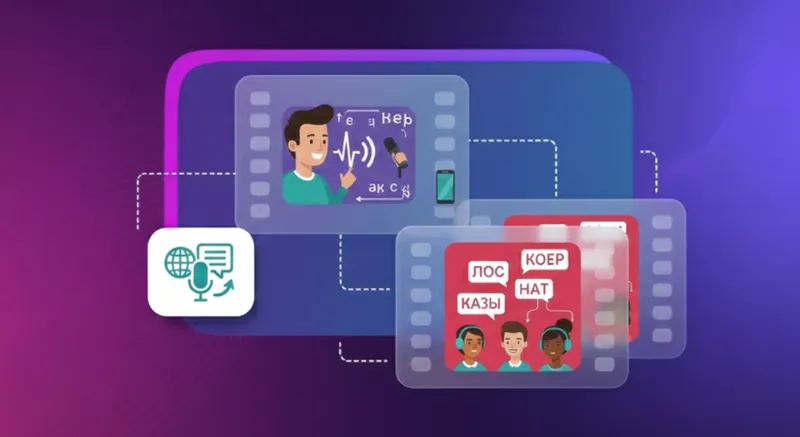
An audio translator is a tool that takes an audio file in one spoken language and turns it into another without needing a new recording. It listens, understands the speech, and converts it into something people in other regions can follow.
Here how an audio translator works:
- It uses audio to text AI to create a text transcript first.
- That transcript is translated into the target language.
- Many platforms can recognize multiple speakers and separate audio tracks.
- Some can remove background noise so the output stays clean.
- They support audio file formats, video file formats, voice notes, and other file formats so you can just upload and go.
- You can upload audio files from your system or even Google Drive.
- Within a few steps, you can translate audio files in just a few clicks and get results in just a few minutes.
For example, if your clip has multiple speakers, AI can usually figure out who’s talking and separate the audio tracks. So, if it’s a podcast, an interview, or just someone who loves interrupting, the final translation doesn’t turn into a word salad. Some tools also handle background noise, which is nice because we don’t all record in soundproof rooms.
This approach saves time and makes audio translation practical for everyday work. Anyone can translate voice, transcribe and translate, and reach multiple languages without hiring a studio or downloading software. Now let’s look at the tools that make this possible.
5 Tools That Actually Translate Audio into Different Languages
Here are a few tools that can help your audio speak in different languages depending on the region and target audience.
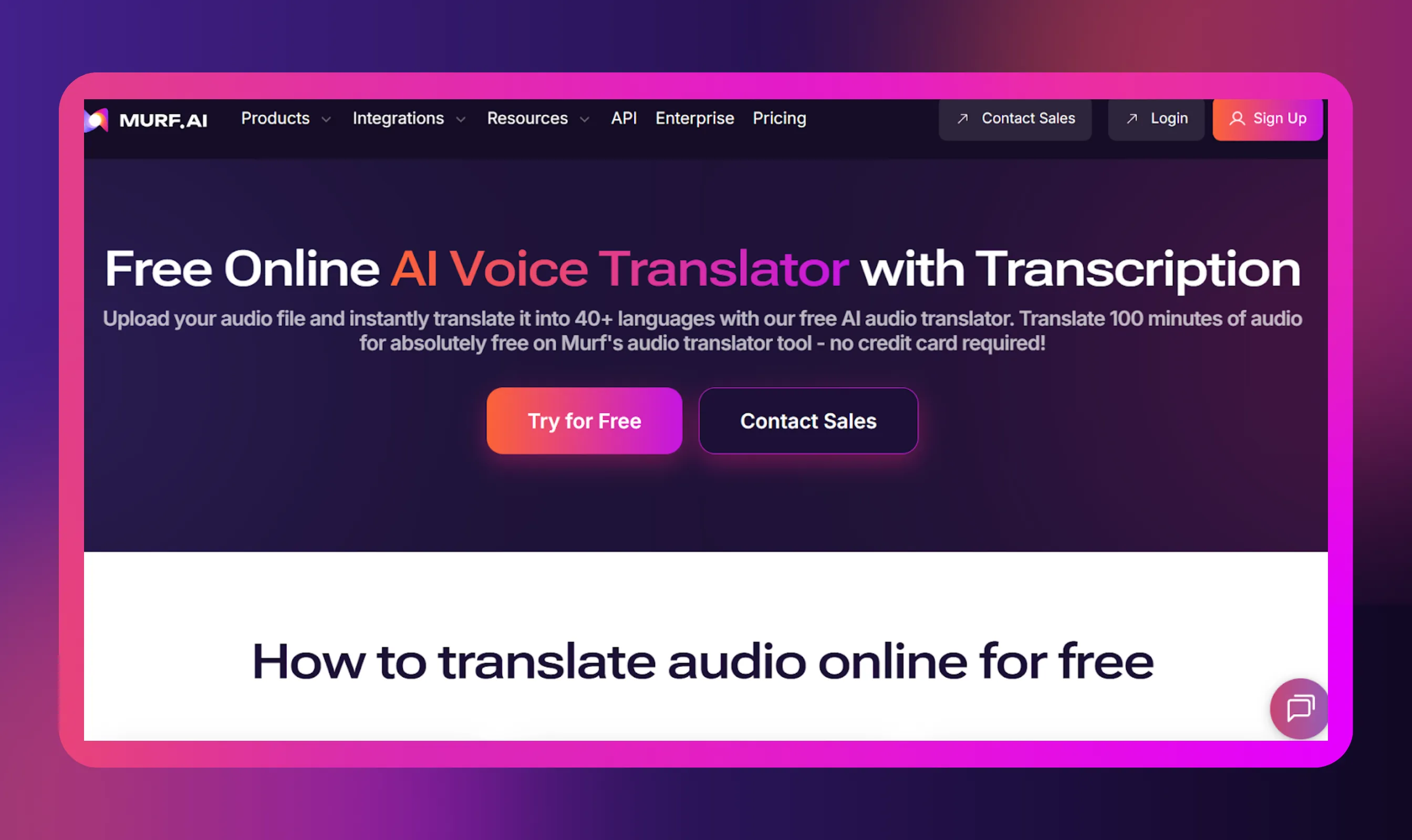
1. Murf AI
Best for
Creators who want accurate audio translation with lifelike voice output and a fast, no-fuss workflow.
Benefits
- Lets you upload audio files or upload your file from your computer and get a translated audio track.
- Produces natural-sounding voices so the original tone is preserved rather than sounding robotic.
- Supports common audio file formats like mp3, wav, and also many video file formats so you can localize clips and full videos.
- Free tier for quick tests and a reasonable output amount to try before committing.
Follow these exact steps to translate audio files into different languages with Murf. This is the practical walkthrough you can use right now.
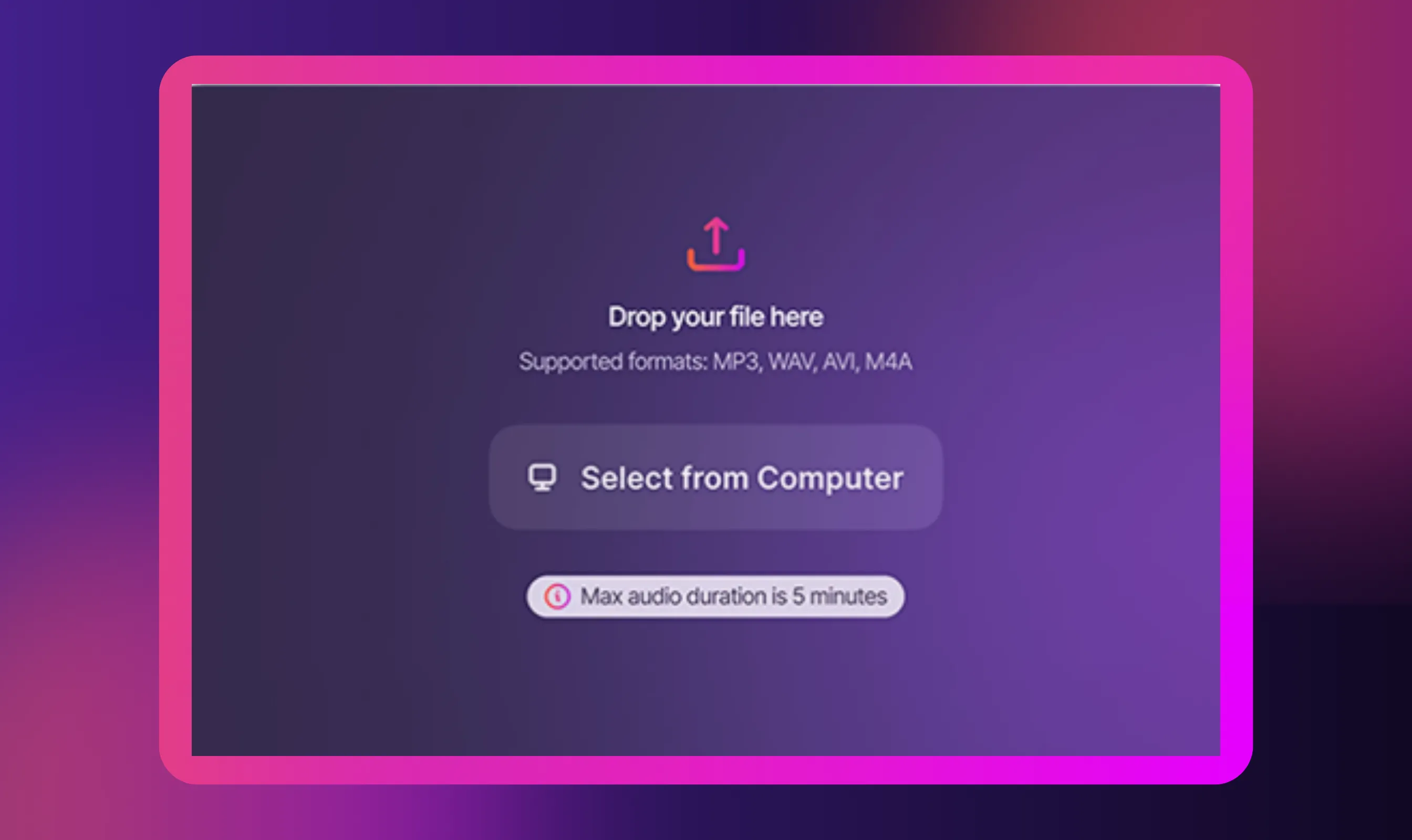
Step 1: Upload the audio file
Upload your voice recording in any file format (we support .mp3, .mp4, .mov, .avi, .mkv, .wav, .aac). Once the file is uploaded, choose either Automated Voice Translator or Quality Assurance.
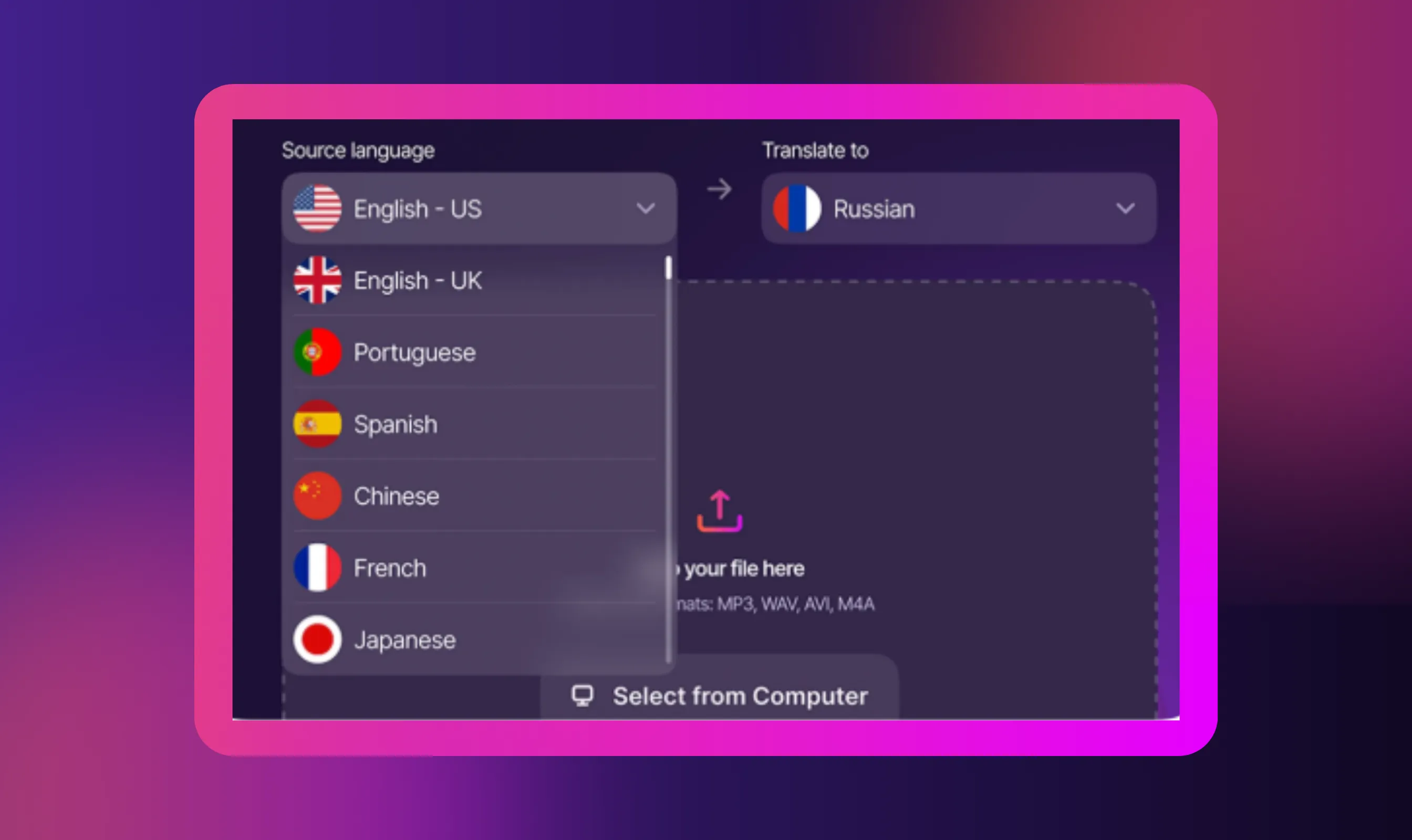
Step 2: Select the source language and the target language
Next, choose a source language and a target language. You can choose from among 40+ languages as the target. You can then translate your audio files simultaneously from one source.
Step 3: Preview and download the audio file
Once the file is processed, preview and download it. Check the translated transcript to validate accuracy. Also, you can export the audio file and the transcript in your preferred file format.

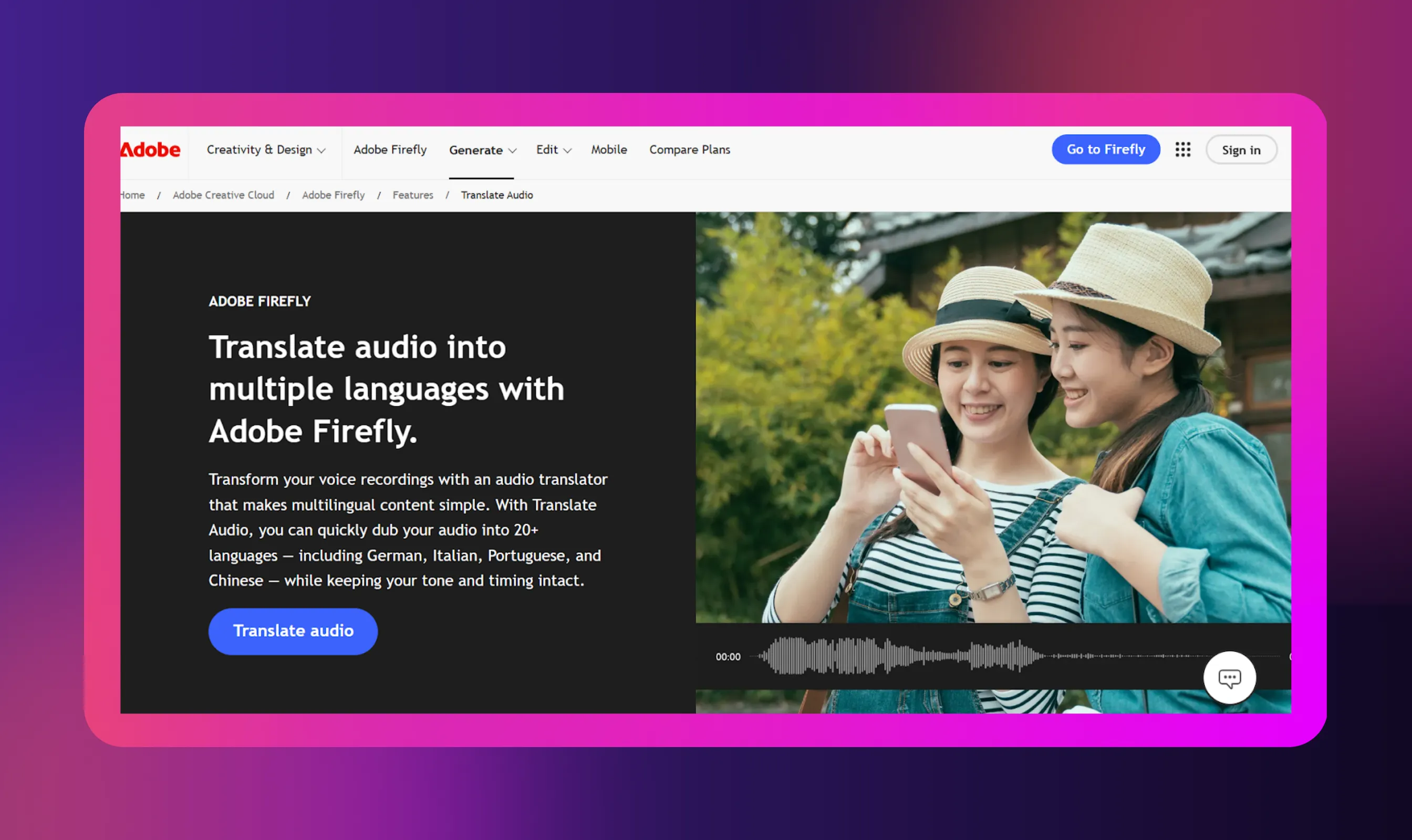
2. Adobe Firefly
Best for
Creators working in the Adobe ecosystem, especially video creators who want to localize voiceovers or dub videos.
Benefits
- Lets you upload audio or video files and translate into many target languages.
- Preserves intonation and cadence, so your original tone doesn’t get lost.
- Simple integration with Adobe tools, making it easy to bring translated audio into your editing workflow.
3. Smartcat

Best for
Creators or teams who want control, high accuracy, and the option to edit the text transcript or combine AI with human translation.
Benefits
- Can transcribe and translate audio, producing both a text transcript and translated voice or subtitles.
- Supports multiple speakers so interviews or group chats don’t get muddled.
- Lets you save translation memory and glossaries, which makes consistent translation easier if you're doing many episodes or pieces.
4. BuildShip

Best for
Techy creators or small teams who want to build a custom pipeline: convert audio to text, translate it, then convert audio back in a new language.
Benefits
- Uses Google APIs (or similar) in a no-code environment to convert audio -> text transcript -> translated text -> speech.
- Allows you to fully control each step and set up automated workflows.
- Great for bulk episodes, or if you have a production flow where content gets translated regularly.
5. Google Translate
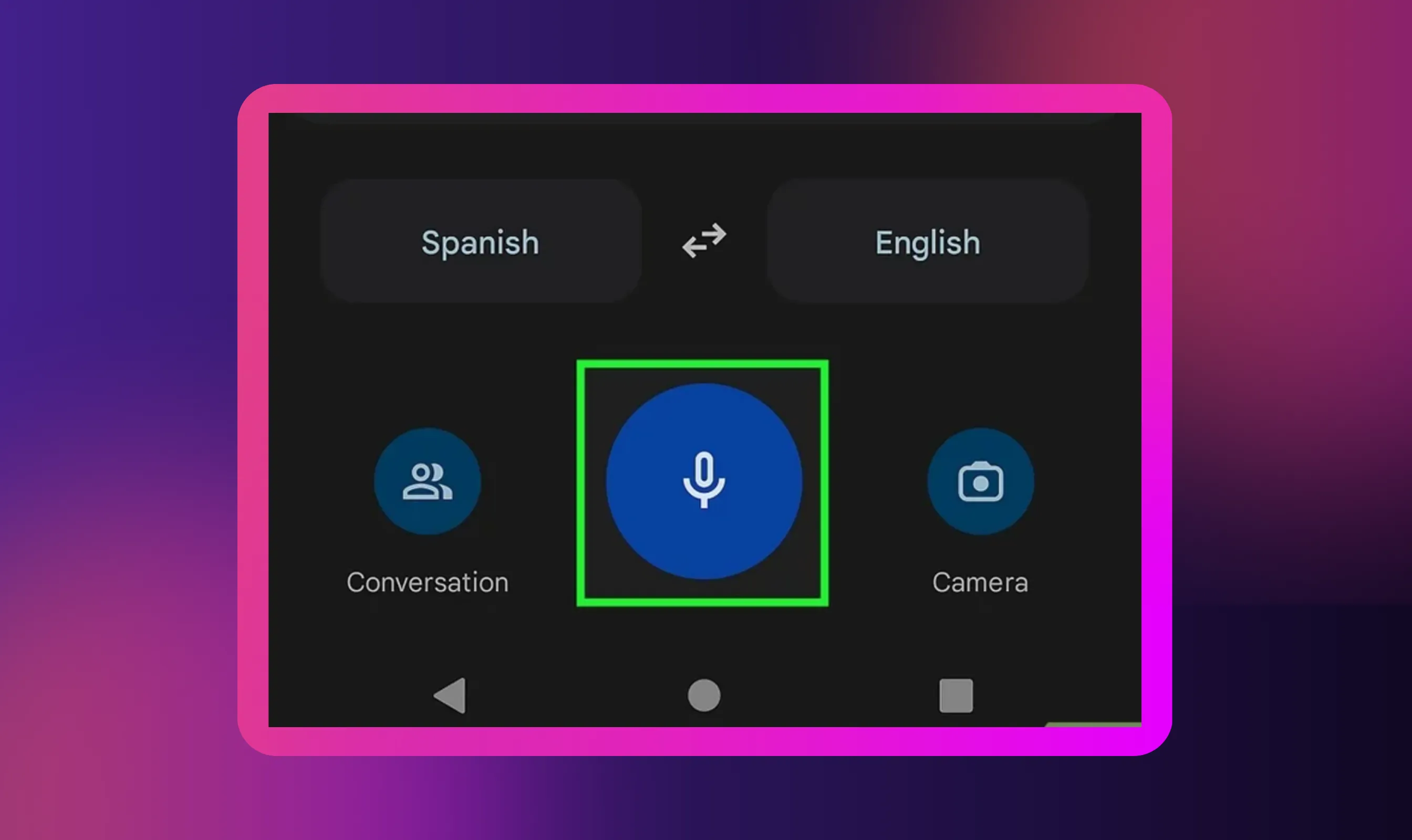
Best for
Creators who want a quick, free way to turn spoken audio into translated text without dealing with complex software.
Benefits
- Super simple to use: Open the app, choose “transcribe”, and start talking or playing your audio.
- Gives real-time translation as you speak, so you can see what’s being said almost instantly.
- Supports several widely used languages like English, Spanish, Hindi, French, and a few others.
- Shows both the original and translated text, which makes review and correction easier.
- Great for lectures, podcasts, interviews, voice notes, or live audio when you just need to understand the meaning fast.
- Already available on most phones, so there’s no learning curve or big setup needed.
Why Use Audio Translators
The need for audio translation is no longer limited to YouTubers or podcasters. Anyone who works with audio content today is dealing with audiences that speak many languages.
That’s where modern audio translators help. Here are the real reasons professionals are using them:
- Reach more people without recreating the content
Instead of recording everything again, you can translate your audio in just a few minutes and share the same message with a wider audience. - Make content inclusive, not exclusive
When you use speech translators to automatically convert voice into translated text or new audio tracks, more people feel included instead of left out. - Save time and money compared to traditional agencies
You don’t need multiple voice actors, translators, and editors. Modern tools handle transcription and translation in minutes with high accuracy. - Great for real workplace situations
- HR teams translating onboarding material
- Trainers localizing lessons
- Support teams explaining products
- Sales teams sending demos to new markets
- Journalists transcribing and translating interviews
- Creators producing content for a global audience
- They help companies build content libraries quickly
One training video can become ten versions in ten popular languages. One product demo can easily translate a video into multiple languages without re-recording anything. It’s the fastest way to scale knowledge across borders.
- They reduce the effort involved in working with international teams
Remote teams use these tools to quickly translate meeting call audio files online and turn them into a text transcript. People who missed the call don’t need to guess what was said. - They remove language as a barrier
When someone uploads audio files or video files in common formats to an AI audio translator, language stops being a limitation and becomes just another setting to pick.
Conclusion
The world isn’t operating in one language anymore, and our content shouldn’t either. Whether you’re a creator, teacher, marketer, support leader, or part of a remote team, audio file translation is one of the simplest ways to reach a wider audience without doubling your workload. You upload your audio file, pick the source language and target language, and tools like Murf handle the heavy lifting.
What used to take agencies and studios weeks now takes just a few minutes. Your voice recordings, podcasts, meetings, tutorials, and product explainers can be shared in other languages without losing your character or message. It’s practical, affordable, and helps break language barriers in a world where employees, customers, and students are scattered across countries and time zones.
If you’ve been thinking about making your work more global, using Murf's audio & video translator is one of the easiest and most impactful ways to start.


Frequently Asked Questions
How Do I Prepare an Audio File before Translating It?
.svg)
You don’t need a production studio. Just make sure your audio recording is clean enough to understand. Too much background noise makes it harder for an AI audio translator to pick up speech correctly. If possible, record in a quiet room, use a decent mic, and export in common formats like MP3, WAV, or M4A.
Once that’s done, you can upload it into a tool like Murf, which supports various formats and walks you through the transcription process before translation.
How Can I Change a Voice Recording into Another Language?
Most modern tools make it pretty simple. You upload your audio file or voice notes, select the source language, choose the target language, and start the translation. You don’t need to be technical, and you don’t need editing software.
Why Do People Translate Voice Recordings into Other Languages?
Different reasons, depending on the person. Some want to reach customers in many languages. Others need to share training content with teams across countries. Journalists and researchers use it for translating interviews. Podcasters want to reach listeners outside their home market.
Sometimes, it’s simply about inclusivity. Not everyone understands the same spoken language, so audio translation helps more people feel included instead of having to struggle through content they can’t follow.
Is Translating Audio the Same as Adding Subtitles?
Not really. Subtitles are visual. They put the text online or on-screen so someone can read what’s being said.
Audio translation changes the sound itself. A tool like Murf can actually turn your audio tracks into a version that speaks another language aloud in your preferred format . You’re not just reading the meaning, you’re hearing it.
In many cases, people use both: subtitles for viewers, and translated voices for those who want to listen instead of read.
What’s the Difference between Translating and Dubbing Audio?
- Translating audio means converting the words from one language into another.
- Dubbing means going a step further and creating new audio tracks with voices speaking the translation naturally.
With tools like Murf, you can do both in the same place. You can transcribe and translate first, then choose a realistic voice that matches tone and pacing. Traditional dubbing used to require actors, studios, edits, and mixing. Now, modern platforms can produce near-studio results in a browser without downloading software.
Both serve the same purpose: making content understandable in different languages. The difference is whether someone reads the translation or hears it spoken aloud.