


Get in touch
Discover how we can improve your content production and help you save costs. A member of our team will reach out soon

Summarize the Blog using ChatGPT
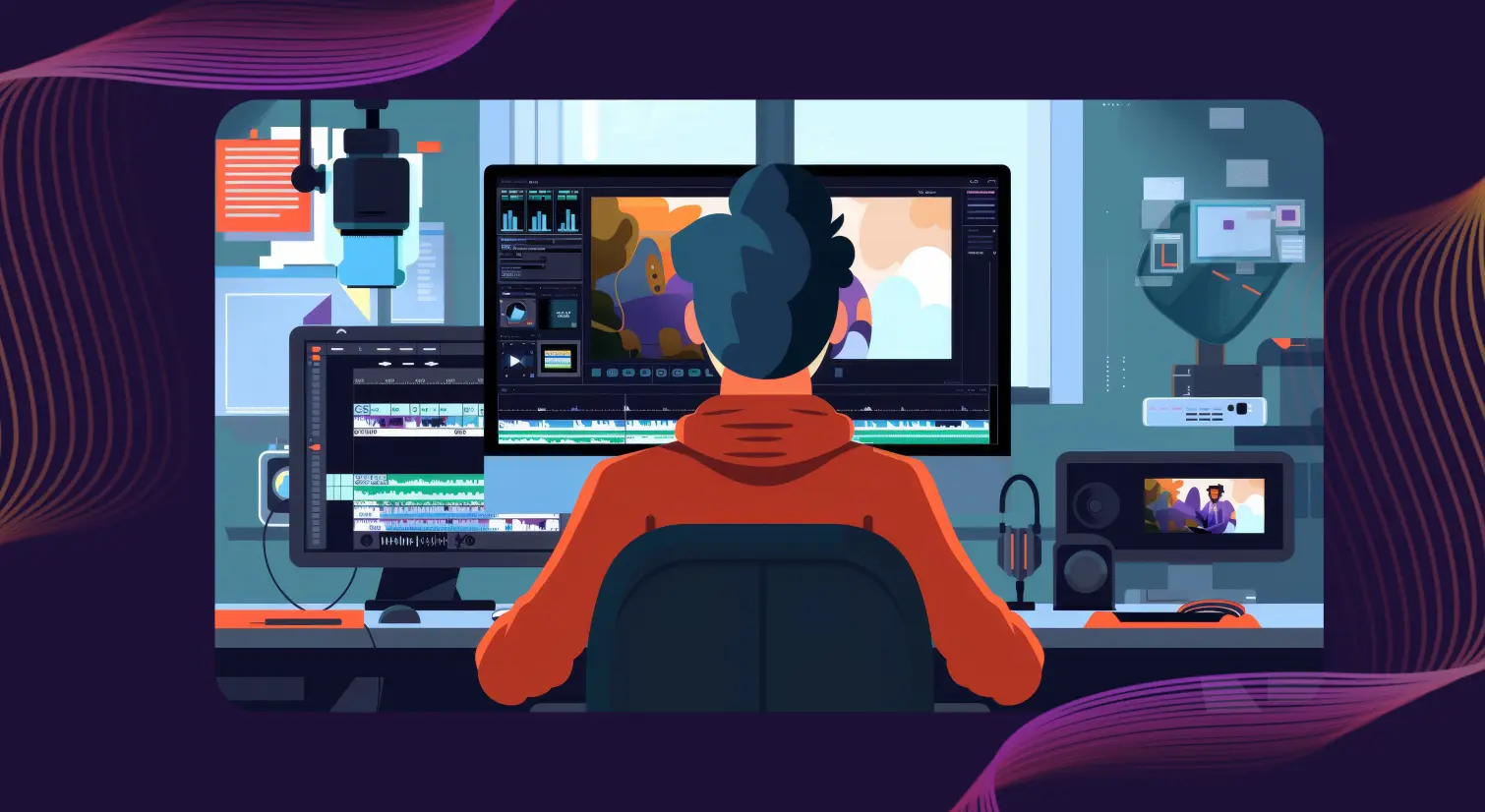
Through the captivating language of movement and time, motion designers weave intricate stories that mesmerize and inspire. They combine graphic design, animation, and storytelling to bring static designs, images, and concepts to life, engaging audiences through movement, transitions, and dynamic visuals.
Text to speech technology opens up exciting opportunities for creating immersive and accessible experiences in motion design. TTS can be used in animated explainer videos, interactive videos, infographics, character animations, and educational content to deliver dynamic narratives that enhance storytelling.
Motion designers can also use text to speech to listen to their scripts as they work, helping them visualize how animations and transitions will align with the narration. And by incorporating TTS-generated voiceovers, motion designers can make their content more accessible to individuals with visual impairments or reading difficulties.
In this blog, we’ll delve into the power of text to speech for motion designers and understand how it adds a new dimension of creative expression.
Visuals are only half the story. An accompanying voiceover or character voice plays a significant role in enhancing the overall audio and video experience. Text to speech software enables motion designers to generate and add high-quality, natural-sounding voiceovers across different languages and accents.
Motion designers no longer need to depend on voice actors to record human-like voiceovers for their animated or YouTube videos. They can add depth, emotional impact, and personality to their projects using TTS solutions.
Storytelling is an art, and telling the story in multiple voices and languages can make all the difference. Text to speech software offers a wide variety of human-like AI voices in different accents and languages, enabling designers to choose the most suitable voice for their videos — be it a deep, authoritative tone for a corporate presentation or a cheerful, upbeat voice for a children’s animation.
In the dynamic field of motion design, agility and flexibility are paramount. Text to speech software seamlessly integrates into a motion designer’s workflow, allowing quick iterations and revisions. If a voiceover needs to be changed, it can be done within the software in minutes by simply modifying the script or voice parameters — no new recording sessions required.
The motion design industry has seen a clear shift toward AI-assisted voice in 2025 and 2026. Here’s how working designers are integrating TTS into their pipelines today:
Murf stands out as a leading choice for creating realistic voiceovers for a wide array of projects. Here are some of the tool’s features that are particularly beneficial to motion designers:
Murf offers an impressive array of natural, AI voices that bring authenticity, depth, and personality to voiceovers. With over 200+ voice options spanning accents and 20 languages, this tool provides motion designers with creative freedom.
Whether you need an Australian, British, or American English accent, Murf has it all. You can choose from conversational voices like ‘Samantha’ or ‘Charles’ for educational videos, or ‘Gabriel’ and ‘Carter’ for a documentary.
Murf allows motion designers to control and customize the text to speech output to suit their needs. They can adjust speech emphasis to highlight key points, modify pitch to convey different moods, change speed for optimal pacing, and set pauses for dramatic effect.
Murf’s text to speech API offers motion designers a seamless way to integrate human-like voiceovers directly into their workflows. This boosts efficiency, ensures high-quality voice outputs, and eliminates the need for external voice actors or pricey equipment.
Murf enhances videos by allowing designers to add background music and sound effects to their voiceovers. These additions elevate engagement and make animations more immersive.
Step 1: Create a New Project. Sign in to your Murf account and create a new project on the platform.
Step 2: Add Your Script. Type in or copy-paste your script to Murf’s text box, or upload an existing doc.
Step 3: Choose an AI Voice. Click on the ‘Explore AI Voices’ tab to access the wide variety of Murf voices. Voices like Iris, Julia, Ken, and Theo are great for narrative storytelling.
Step 4: Personalize the Voiceover. Adjust the pitch, speed, emphasis, and pauses as needed.
Step 5: Add Background Music or an Existing Motion Graphic. Sync an existing motion graphic with the voiceover by adjusting the length of the timeline. You can also add background music from Murf’s library.
Step 6: Render the Voiceover. After personalizing the settings, click the play button to render the voiceover.
Step 7: Review and Download. Once your voiceover is ready, preview the result. If you’re happy with it, download the audio file in the format of your choice. If not, quickly go back, tweak the settings, or try a different voice.
All. In. Minutes!
Murf Falcon is engineered to deliver human-like speech at an industry-leading model latency of 55ms. For motion designers integrating TTS into live environments, automated pipelines, or scalable production workflows, Falcon provides:
Fast everywhere. Accurate always. Affordable at scale. Try Murf Falcon now!

.svg)
Text to speech software enhances the workflow of motion graphic designers by allowing for the quick and easy production of high-quality voiceovers for video clips. It also offers users the flexibility to create multiple iterations of the voiceover without the need to re-record audio. Furthermore, with seamless integration into most design tools, TTS becomes an effortless addition to the designer’s toolkit.
Absolutely! Text to speech software, especially advanced speech platforms like Murf, can provide natural-sounding voices that add depth and character to your motion graphics. These voices help create realistic voiceovers with inflection, emotion, and depth that resonate with your audience. You can add them to YouTube videos, Reels, and other animated graphics.

Keeping your data safe


Learn how we help enterprises expand globally at scale


