Streaming Text to Speech Explained: What It Is and How It Actually Works


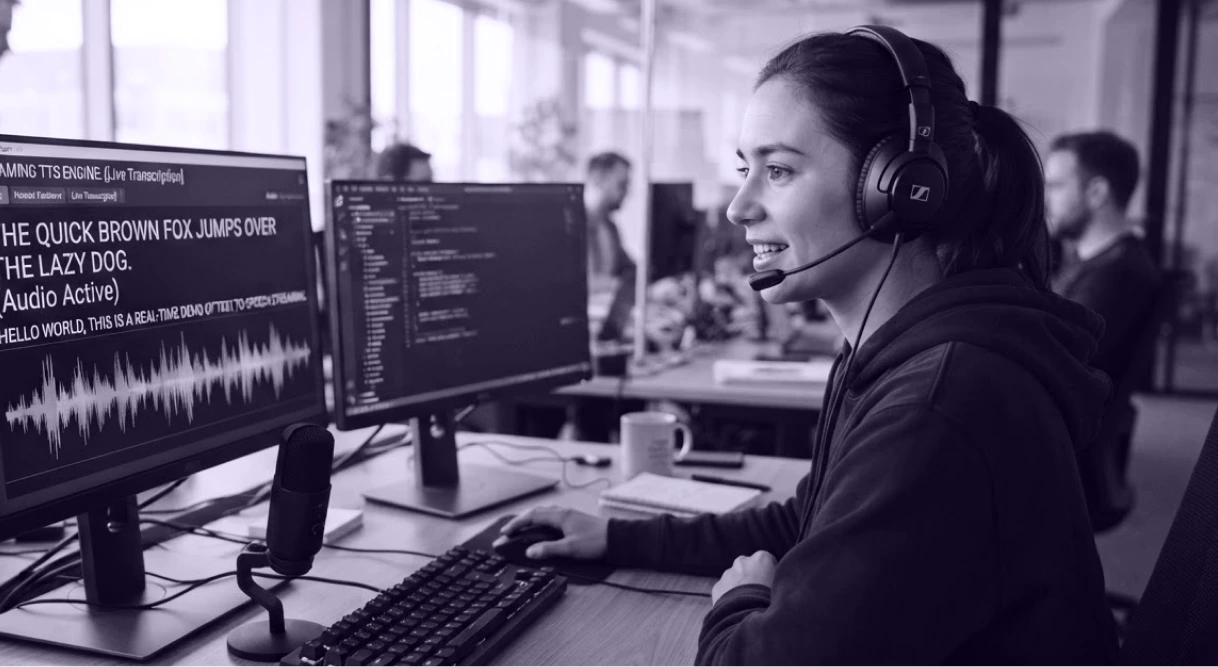

You type a sentence into a Text to Speech tool, hit generate, and wait. For a voiceover or an audiobook, a short wait is fine. But if you're building a voice assistant or a live agent, a few seconds of silence can disrupt the conversation. That's the exact problem streaming TTS solves.
Streaming text to speech doesn't make speech generation faster overall. It changes when you hear the first sound, so playback can begin almost immediately instead of waiting for the whole thing. This guide covers what streaming TTS is, how it works, and how it's different from traditional TTS.
What Is Streaming Text to Speech?
Streaming text to speech processes your text and sends audio back in small chunks, rather than waiting until the whole thing is done. You hear the first word almost immediately, while the rest keeps generating behind the scenes.
The metric that matters here is time-to-first-audio, or TTFA. It measures how long you wait before the first sound plays, and streaming TTS is built to keep that wait short.
Streaming TTS vs. Traditional (Batch) TTS
Here's the part that surprises people. The total time to generate the full audio can be nearly identical between the two approaches. What changes is when you get access to it, and that single difference is what shapes everything covered in the next section.
How Real-Time Streaming TTS Actually Works
Streaming speech synthesis typically involves several stages. Here's what happens, step by step, from the moment you send text to the moment you hear speech:
Step 1: Breaking Text Input Into Chunks
Text gets split into smaller pieces at natural sentence boundaries, instead of waiting for the whole input. The system watches incoming text for natural boundaries, usually punctuation like periods, question marks, and commas, and starts working on a chunk as soon as it hits one.
Example:
Full sentence: "Here's your weather update for today, it's sunny with a high of 75 degrees."
- Chunk 1: "Here's your weather update for today."
- Chunk 2: "It's sunny with a high of 75 degrees."
The system does not wait for more text to arrive. It starts on chunk 1 as soon as it sees that natural break.
Not every period marks a real sentence boundary, though, and getting this wrong can cut a sentence in the wrong place.
Example (a trickier case):
Full sentence: "Take 2.5ml of the solution."
- Chunk 1 (incorrect): "Take 2."
- Chunk 2 (incorrect): "5ml of the solution."
A system that treats every period as a sentence end would cut right after “2,” and break “2.5ml” into two pieces. That creates an awkward pause and a wrong pronunciation in the middle of a measurement. This is why most streaming systems use sentence-aware chunking instead of splitting on punctuation blindly.
Step 2: Sending Audio in Chunks, Not as One File
Audio streams to you in pieces over an open connection, instead of arriving as one complete file.
This usually happens over a WebSocket connection or a persistent HTTP stream. That’s the kind of low-latency voice API setup that keeps a connection open and lets audio data flow continuously.
Think of it like streaming a video: you don't download the entire file before the first frame plays. The player just needs enough bytes of the file to start, and the rest keeps arriving while you watch.
Step 3: Starting Playback Early
Playback starts the moment the first audio chunk arrives, without waiting for the rest to finish generating.
This is the TTFA moment covered earlier. From there, more chunks keep arriving in the background, so you are listening to earlier parts of the audio while later parts are still being generated.
The tradeoff to know:
- Smaller chunks: is faster first sound, but can hurt how natural it sounds
- Larger chunks: Sound more natural, but take slightly longer to start
Most systems land in between, chunking by sentence or phrase rather than by word.
Step 4: The Tone and Emphasis Tradeoff
Speech generated chunk by chunk can miss some of the pitch and emphasis a model would apply if it could read the full sentence first.
A model reading a full sentence knows how it ends, so it can slow down before a comma or rise in tone for a question. A model generating speech chunk by chunk doesn’t always have the rest of the text input yet.
Example: "I can't believe you actually did that."
Read in full, the model can tell from context whether that lands as amused or upset, and adjust tone accordingly. Generated chunk by chunk, with "I can't believe" processed before "you actually did that" is available, that judgment call gets harder to make correctly.
Why Latency Matters More Than Speed in Streaming TTS
There's a metric called real-time factor, or RTF, that measures how fast a system generates audio compared to the audio's actual length. An RTF below 1 means the system can generate speech faster than it plays back, which sounds like exactly what you would want.
But RTF alone doesn't tell you what it feels like to use. A system can have a great RTF and still make you wait several seconds before anything plays, if it's built to finish the whole file before sending it. That's high TTFA hiding behind a good RTF.
This is the real point behind streaming TTS. It's not about generating speech faster overall, RTF might barely change. What you actually get is a low-latency experience, not making you wait for the whole thing before anything at all.
Where Streaming Text to Speech Is Used
Streaming speech shows up wherever a delay would actually break the experience.
- Conversational AI agents and voice assistants: You can build one that talks back while the user is still expecting an answer, not after a noticeable pause. Streaming TTS makes that possible; even a couple of seconds mid-conversation feels broken.
- Live customer support and IVR systems: You can use streaming TTS to make a voice bot sound responsive in real time during a support call. It replaces reading out a pre-generated response after a delay.
- Interactive learning tools and real-time guidance: Streaming TTS helps interactive tutors and navigation apps deliver spoken feedback in response to user actions. It lets the speech keep pace with what's happening instead of lagging behind it.
- Gaming and dynamic NPC dialogue: You can generate character responses on the fly based on what a player does. Streaming is what enables that dialogue to play back immediately instead of feeling disconnected from the action.
Even outside these more technical use cases, the same principle shows up in smaller ways. Livestreaming tools that read out chat messages or donations aloud depend on this same low-latency idea, even though the polish and use case are different.
Murf AI offers a text-to-speech streaming API. You can connect over HTTP streaming or WebSocket, and set how specific words are pronounced.
Conclusion
Streaming Text to Speech comes down to one shift: instead of waiting for the whole audio file, you get sound as soon as the first chunk is ready. That's measured by TTFA, not raw generation speed, and it's why a system with a strong RTF can still feel slow if it makes you wait before playback starts.
This matters most anywhere a delay breaks the experience: voice agents, live support, interactive tools, and real-time content. For anything pre-recorded, like an audiobook or a voiceover, batch TTS works just fine. The right choice depends on whether your use case can tolerate a wait or not.
Frequently Asked Questions
Why does streaming TTS sometimes still feel delayed?
.svg)
This usually happens when a system claims to stream but actually generates the full audio before sending anything back. A true streaming feature should get you the first chunk within a few hundred milliseconds, not after the whole thing is ready. In practice, initial response latency for streaming TTS can be under 300 ms.
Why does streaming audio sometimes cut off or glitch at the start or end?
This is a common playback issue, not a sign that streaming Text to Speech is broken. It usually comes from how buffering and joining of chunks is handled, and most platforms have fixed or minimized it over time.
Why can streaming TTS voices sound slightly different from regular TTS voices?
A model generating speech in chunks doesn't always know how the full sentence ends yet, so it can't always match pitch and emphasis the same way a model reading the complete sentence would. This can create small differences in delivery between streamed and non-streamed output.
How do streamers do TTS?
Streamers commonly use chat-to-speech tools that read out chat messages or donation alerts during a live broadcast. The tool listens for new messages and converts them to speech in real time, so the audio plays almost as soon as the message comes in.
How does streaming TTS turn text into sound?
Text normalization and linguistic analysis convert written text into phonetic sounds. Streaming TTS does this chunk by chunk, so the first audio can play while the rest of the text is still being processed. The complexity of TTS systems increases when managing real-time audio delivery with interruptions. Streaming TTS can also support bilingual and multilingual content delivery.