Master How to Use Conversational AI Bot: Complete Step-by-Step Guide


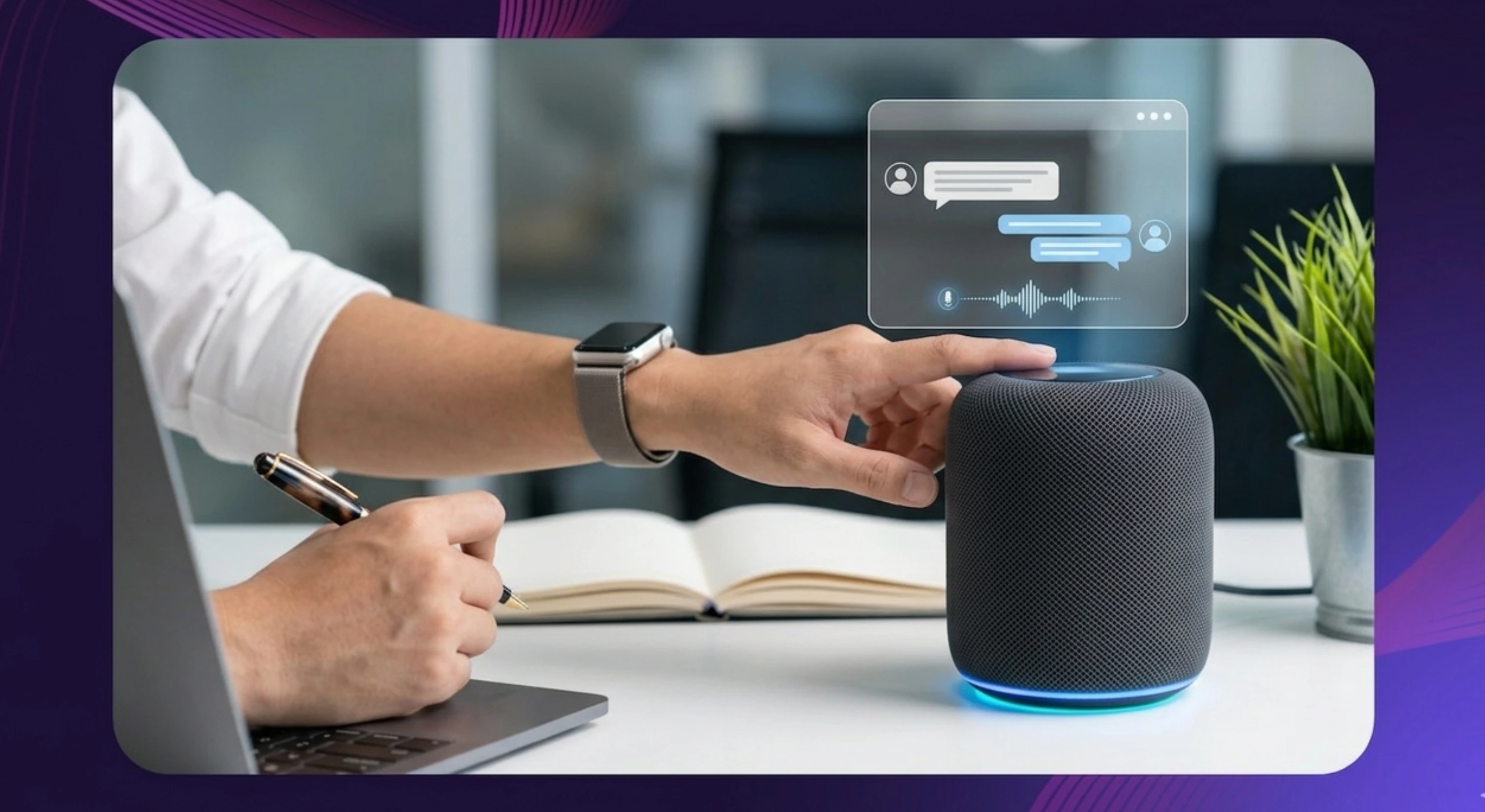

A conversational AI bot is a digital assistant that lets you talk to software in a natural way. Instead of clicking through menus or using rigid commands, you can type or speak like you would to a real person. The bot then interprets your request and responds with useful information, suggestions, or actions.
People use conversational AI bots for many reasons. Some rely on them for customer support, some use them for personal productivity, and others use them to automate repetitive work. This guide explains how to use one from the very beginning, with simple steps, practical examples, and tips to help you get better results.
How to Use a Conversational AI Bot
Using a conversational AI bot is usually simple once you know where to start. Here's how you can integrate conversational AI chatbots to your workflow to get personalized responses that mimic human conversations.
Step 1: Choose the platform you want to use.
Some bots work on websites, others are built into mobile apps, and some are available inside tools like Slack, WhatsApp, or Microsoft Teams. The right option depends on what you need. A beginner may prefer a web app with a clean interface, while a business team may want a bot inside their everyday workflow.
Step 2: Sign up or log in.
Most platforms ask you to create an account before you begin. This gives you access to saved chats, preferences, and settings.
Step 3: Open a new chat or conversation.
Once you are inside the platform, look for the message box or microphone icon. This is where you begin interacting with the bot.
Step 4: Ask a simple question first.
Start with something easy, like “What is conversational AI?” or “Summarize this topic in simple terms.” A basic prompt helps you understand how the bot responds.
Step 5: Review the response and refine your question.
If the answer feels too broad or unclear, ask a follow-up. You can request a shorter version, a step-by-step explanation, or a more detailed answer depending on what you need.
The key is to treat the first response as the start of the conversation, not always the final answer.
Choosing the Right Conversational AI Chatbots Platform?
Before you start using a conversational AI bot, it helps to choose the right platform.
Web-based platforms are often best for first-time users. They are easy to access, usually have a clean layout, and make it simple to test different kinds of prompts.
Mobile apps are useful when you want quick help while moving around. They work well for short questions, reminders, and basic writing support.
Messaging app bots inside Slack, WhatsApp, or Teams are often better for teams or people who want help without switching tools. These are useful for summarizing conversations, drafting replies, or answering quick questions in the flow of work.
If your needs go beyond text and you want more natural spoken interactions, a conversational AI voice solution may be a better fit. Murf, for example, offers voice-focused conversational AI tools for businesses that want to create real-time, human-like voice experiences. It also supports teams looking to deploy conversational AI solutions across customer-facing workflows.
Setting Up Your First Chat with Conversational AI agents?
Once you have chosen a platform, setting up your first chat is straightforward.
Step 1: Open the app or website.
Go to the platform you selected and sign in.
Step 2: Find the chat box or voice input button.
Most tools make this easy to spot on the main screen.
Step 3: Type your first prompt.
Keep it simple. You could ask, “Explain conversational AI in plain language,” or “Give me three examples of how businesses use AI bots.”
Step 4: Read the response carefully.
See whether the bot understood what you wanted. Look for missing details, confusing parts, or anything too general.
Step 5: Adjust your prompt if needed.
Ask the bot to shorten the answer, simplify it, add examples, or explain it step by step.
Trying a few different prompt styles is one of the fastest ways to understand what the bot can do well.
Common First-Use Mistakes to Avoid
A lot of first-time users assume the bot is the problem when the real issue is the way the question was asked.
One common mistake is being too vague. For example, asking “Tell me about AI” gives the bot very little direction. A better version would be, “Explain conversational AI for beginners in simple language.”
Another mistake is not giving enough context. If you say “Write this better” without sharing the original text or explaining the goal, the bot has to guess. You will not get human like responses to assist users when using this method.
Some users go to the other extreme and overload the prompt with too many instructions at once. When that happens, the answer can become messy or incomplete.
It is also important not to expect perfect accuracy every time. Conversational AI can be fast and helpful, but it can still misunderstand your request or present something too confidently. The best habit is to review the answer and keep refining your prompt until the result feels useful.
What Is a Conversational AI Bot?
A conversational AI bot is a software tool that can understand what a person says or types and reply in a natural, useful way. It uses natural language processing (NLP), intent recognition, and machine learning to turn user input into relevant responses. Some systems also use natural language generation (NLG) to produce human-like answers. means the bot tries to figure out what you mean, not just what words you used. Using a conversational ai chatbots over conventional chatbots provides you with the advantage of conducting a sentiment analysis as well, along with the ability to process high volume support agents with high response accuracy.
These bots work using technologies such as natural language processing and machine learning. In simple terms, that means they can recognize patterns in language, interpret what a user is asking, and generate a response that fits the situation.
You may have already used one without thinking much about it. ChatGPT, Meta AI, customer support bots, and voice assistants are all common examples. Some are built for everyday tasks like writing and research, while others help businesses manage support, handle customer conversations, or automate repetitive work.
Advanced Usage: Tips for Better Conversations
Once you understand the basics, the next step is learning how to get more useful answers.
The people who get the best results from conversational AI usually do three things well. They give enough context, they clearly explain what kind of answer they want, and they use follow-up prompts to improve the output.
For example, instead of saying, “Write about conversational AI,” you could say, “Explain conversational AI for a beginner in under 150 words using simple language.” That gives the bot a much clearer direction.
Over time, you can use conversational AI for summaries, rewrites, brainstorming, customer responses, research support, and creative work.
How to Ask Clear, Effective Questions
A simple way to ask better questions is to include four things: the task, the context, the format, and the goal.Instead of writing, “Tell me about conversational AI,” try something like, “Explain conversational AI for a beginner in five bullet points.”
Instead of saying, “Help me with support,” say, “List five ways a conversational AI bot can help a customer support team handle repetitive questions.”
You can also ask the bot to present the answer in a specific way. For instance, you can request a table, a summary, bullet points, or step-by-step instructions. The clearer you are, the easier it is for the bot to give you something useful.
Conversational AI in Messaging Platforms
Using conversational AI inside messaging platforms is slightly different from using it in a web app.
In tools like Slack, WhatsApp, or Teams, prompts usually work best when they are shorter and more direct. You might ask the bot to summarize a thread, draft a reply, or list the action items from a conversation.
These tools are helpful because they fit into workflows people already use every day. Teams can use them to speed up internal communication, support customers more efficiently, or handle common requests without switching platforms, to enhance customer experience.
Some businesses also use conversational AI in more specialized ways. For example, insurance conversational AI tools can help streamline customer questions and policy-related support, while conversational AI in sales can assist with lead qualification, follow-ups, and appointment booking.
Customer service teams would often use a mix between human like conversations and conversational AI technology to enhance customer interactions. Through natural language understanding (NLU), teams would create conversational AI chatbots to schedule appointments, answer frequently asked questions, complex queries in multiple languages. Regular business hours would now be extended due to the availability of AI chatbots that work round the clock.
Conclusion
Learning how to use a conversational AI bot does not have to be complicated. The best way to begin is to choose a platform, ask a simple question, review the answer, and keep improving how you ask. You do not need technical skills to get value from these tools. You just need a clear goal and a willingness to experiment a little. The more specific and thoughtful your prompts become, the better your results will be.


Frequently Asked Questions
Can anyone use a AI powered chatbots or do they need technical skills?
.svg)
Anyone can use one. Most AI powered chatbots are designed for everyday users, so you do not need coding knowledge or technical training to get started.
How do I get better answers from a conversational AI?
Ask clear questions, provide the right amount of context, and say what kind of answer you want. If the first answer is not right, use a follow-up prompt to improve it.
Are conversational AI responses always accurate?
No. They can be very helpful, but they are not always perfect. It is always smart to review important answers carefully, especially for topics that affect business, health, law, or finances.
How to make a conversational AI bot?
You can create one using chatbot builders, AI platforms, or APIs. The process usually involves choosing a use case, deciding how the bot should respond, connecting it to useful information, and testing it before launch.


.webp)
.webp)


