Understanding Text to Speech: Assistive Technology



What Is Text-to-Speech Assistive Technology?
Text to speech (TTS) is a speech synthesis technology that converts written text into voice or spoken language. The TTS tool uses Artificial Intelligence (AI), Machine Learning (ML), and Natural Language Processing (NLP) to create audio output from text-based inputs. The result is natural-sounding, humanlike speech. This text to speech technology helps individuals learn a new language or the elderly to listen to a text message on their phone if they have weak eyesight.
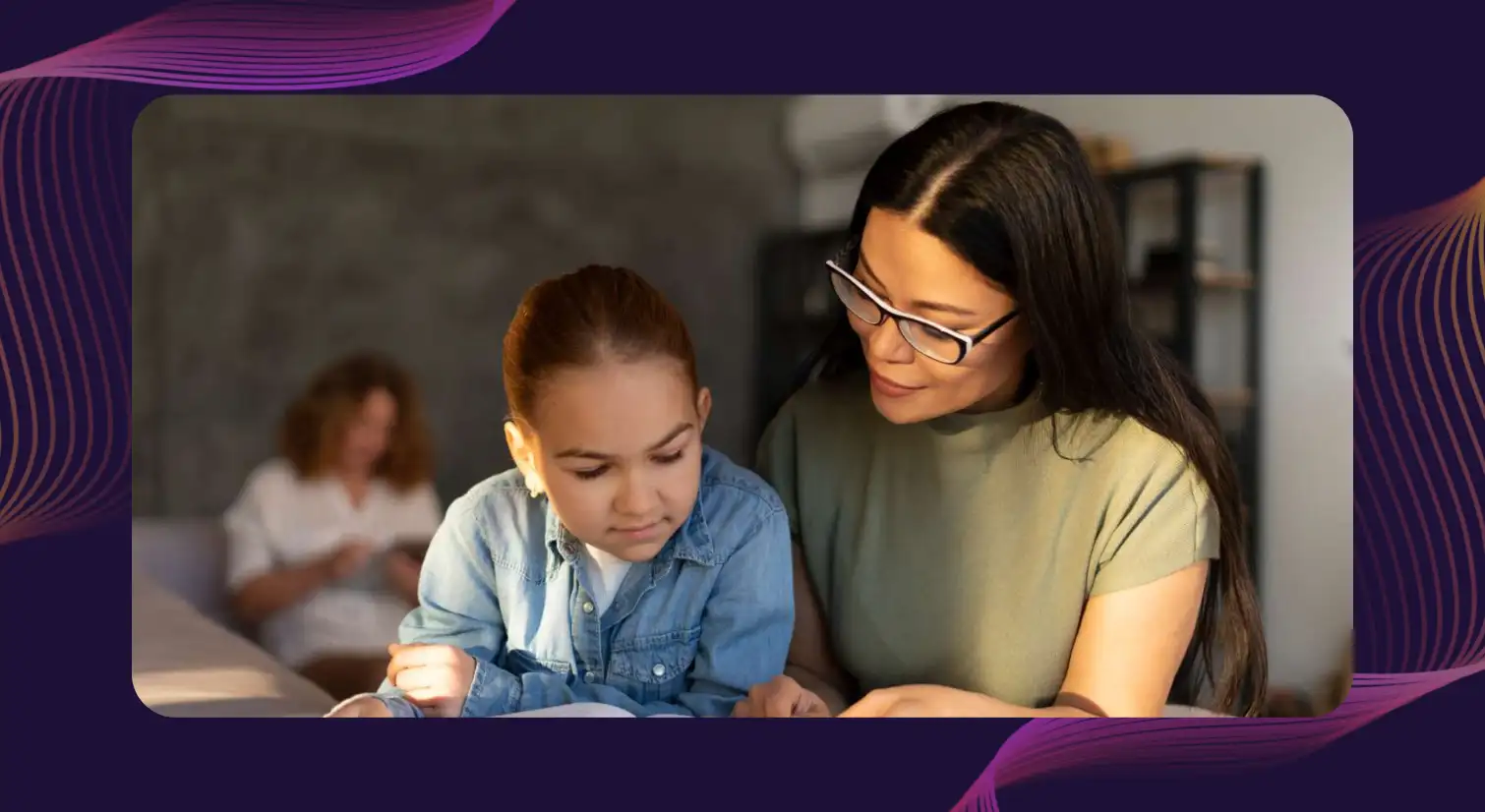
One of the phenomenal applications of text to speech technology is as an assistive tool in the education industry. Notably, children with disabilities are 42% less likely to acquire foundational reading and numeracy skills and 25% less likely to attend early childhood education programs, as reported by the UN Sustainable Development Goals (UNSDG). This research highlights the critical need for effective TTS solutions to enhance accessibility and support learning for these children.
The Technology Behind Text-to-Speech: How It Works
Text Analysis and Normalization
Text to speech software begins by analyzing raw text input, breaking sentences into smaller units, identifying punctuation and grammar, and normalizing content (e.g., "€10" → "ten euros").
Linguistic Processing (NLP and Phonetics)
The engine applies phonetic rules and NLP to determine pronunciation, handle homographs (e.g., "lead" the verb vs. "lead" the metal), and adjust intonation and stress.
Speech Synthesis : Concatenative vs. Neural
- Concatenative synthesis: strings together pre-recorded human speech fragments.
- Neural synthesis: uses deep learning to generate synthesized speech from scratch, producing more natural, expressive voices.
Who Can Use TTS Assistive Technology?
Text-to-speech tools improve quality of life across a wide range of users by reading digital content aloud, reducing the learning curve for people with reading or learning disabilities, and making information more accessible overall. Here’s how different groups put it to use, since TTS is one of many assistive technology tools:
Individuals with Visual Impairments
For blind and low-vision users, TTS-powered screen readers convert websites, documents, and applications on a computer into audible speech, allowing independent navigation without needing to see the screen. This matters more than ever, since web accessibility is still inconsistent. A WebAIM survey found an average of 56.8 accessibility errors per analyzed web page.
People with Dyslexia and Reading Disabilities
TTS helps individuals with dyslexia and other reading disabilities keep pace with their peers, particularly in educational and research settings. By listening to textbooks, articles, and study material instead of decoding text visually, users ease cognitive load and can focus on comprehension rather than mechanics with features like adjustable speed and repeat playback reinforcing retention over time.
Individuals with ADHD or Memory Challenges
Hearing content read aloud helps maintain focus and supports working memory for people with attention difficulties, offering an alternative sensory format when reading dense material becomes a distraction.
Non-Native Language Speakers
Clear pronunciation and controllable pacing make TTS a valuable aid for language learners and multilingual users, while built-in translation features help bridge communication gaps in diverse settings from classrooms to multicultural workplaces.
People with Motor Disabilities
For users with limited mobility or dexterity, TTS supports hands-free content consumption, especially when paired with assistive devices, voice control, or keyboard navigation, reducing reliance on scrolling and clicking.
Elderly Users and Speech Disorders
As vision, mobility, and sometimes speech decline with age, TTS helps older adults listen to web pages and screen content and use voice-activated commands to navigate digital platforms more comfortably. I People with speech disorders may also use assistive communication tools, which use TTS to speak typed text aloud. Some add voice cloning, which builds a synthetic copy of the person’s own voice.
Everyday, Mobile, and Workplace Users
TTS isn't limited to people with diagnosed disabilities. Commuters and multitaskers use it on mobile devices to read text aloud and consume articles hands-free. In professional settings, it supports accessibility compliance in internal communications and training. It also helps neurodivergent employees follow spoken instructions more easily and reduces cognitive load when working through long reports on the go.
Key Features to Look for in Text to Speech Tools
- Natural, Human-Like Voices - Look for a human voice with expressive intonation, appropriate pacing/rhythm, and regional accent or multilingual support.
- Customizable Playback (Speed, Pitch, Tone) - Ability to adjust speed for comprehension or skimming, modify pitch/emphasis, and choose voice type (male/female/child/adult).
- Highlighting and Word Tracking - Specialized software features like this help users with dyslexia or language learners follow along visually while listening.
- Pronunciation Control and SSML Support - Important for medical/technical content, brand names, and acronyms.
- Compatibility with Screen Readers and LMS Platforms -Effective tools integrate with NVDA, JAWS, VoiceOver, browsers, and learning management systems.
- Offline and Cross-Platform Access - Supports offline playback, cloud syncing of preferences, and browser extensions/mobile apps across electronic devices
Meet Murf Falcon: The Fastest, Most Efficient Text to Speech API
Murf Falcon is engineered to deliver human-like speech at an industry leading model latency of 55 ms across the globe. Use Falcon to deploy AI voice agents that not only talk like regular humans, but also deliver the speech at blazing fast speed with ultra precision.
Falcon is the only TTS API that consistently maintains time-to-first-audio under 130 ms across 10+ global regions, even when processing up to 10,000 calls at the same time. Falcon delivers uninterrupted, natural speech. No lag, no clipped phrases, no robotic tone.
Engineered for Real-Time Performance
Falcon’s architecture is tuned specifically for ultra-low latency and responsiveness:
- Model latency under 55 ms
- Time-to-first-audio under 130 ms
- Edge deployment across 10+ regions for global consistency
Its lightweight, compute-efficient model outperforms larger LLM-based TTS systems on context precision and response timing delivering premium naturalness without inflated infrastructure demands.
Human-Like Speech, in Any Language
Falcon ensures voices sound fluent and expressive:
- 35+ languages, 200+ expressive voices
- Code-mixed multilingual output without accent distortion
- 99.38% pronunciation accuracy
- Conversational prosody for natural tone, rhythm, and pauses
Falcon separates how words are pronounced from the unique qualities of the speaker’s voice, preventing odd tone changes. This also enables the voice to switch languages smoothly in the middle of a sentence.Your AI voice doesn’t just speak multiple languages, it sounds native in each.
Integrates in Minutes
Falcon fits easily into modern development stacks:
- RESTful API
- Python, JavaScript, and cURL SDKs
- Works with Twilio, Anthropic Claude, Discord, and more
Go from API key to live call in minutes, no complex provisioning or specialized infrastructure needed.
Stable and Cost-Efficient at Scale
- Supports 10,000+ concurrent calls with no latency drop
- Predictable performance worldwide via edge routing
- On-prem deployment option for full internal control
- Priced at 1¢ per minute, reducing voice agent costs by up to 50%
Fast everywhere. Accurate always. Affordable at scale. Try Murf Falcon now!
Wrapping Up
Text to Speech (TTS) technology is revolutionizing communication and learning by making information more accessible and engaging. Recent trends, with features such as AI voice personalization features, multilingual support, and integrated speech synthesis in various applications, are transforming how users interact with content.
These advancements enable users to select voices that match their preferences, ensuring a more relatable and enjoyable experience. Additionally, the rise of context-aware TTS, which adapts tone and pacing based on the content's emotional context, is enhancing listener engagement across educational platforms.
In this regard, Murf TTS provides a variety of natural-sounding voices and supports various languages. With its user-friendly interface, users can easily create high-quality audio content for presentations, podcasts, and e-learning materials.
The platform offers customizable options, allowing adjustments in pitch, speed, and emphasis to enhance listener engagement. By leveraging Murf TTS, individuals and organizations can create impactful content that promotes effective communication and accessibility for everyone. Key applications include education, customer service, media creation, and healthcare.
Frequently Asked Questions
How does text to speech technology assist people with disabilities?
.svg)
Text to speech reads digital text aloud, turning it into spoken language so that people with reading, vision, or comprehension impairments can easily understand it. TTS can support communication, but voice cloning is a separate capability and doesn't enable writing.
Can TTS software be customized for different voices and languages?
Yes, TTS software often provides a wide variety of voices, styles, languages, and customizations. Users can create their own voice identity from voice recordings. They can also select a synthetic voice they understand well.
Can TTS voices be tailored by age and gender?
Absolutely. Many TTS apps and tools allow users to select voices based on age and gender, offering options like male, female, child, or elderly voices to match the user's needs or preferences better.
How do screen readers use text to speech?
Screen readers use TTS to convert websites, documents, and applications into audible speech. Blind and low-vision users rely on them for independent navigation without needing to see the screen.