Roblox Text to Speech: How It Works, the New TTS API & Alternatives



Roblox characters have found their voice — and as of 2025, developers have a native API to prove it. Roblox's official Text to Speech API is now in beta, giving creators the tools to add real-time spoken dialogue directly into their games without relying on pre-recorded audio clips or third-party workarounds.
In this guide, we'll cover how Roblox text to speech actually works now, how to use the new AudioTextToSpeech API, and which tools work best for creators who need TTS outside the Roblox engine.
What's New: Roblox's Official Text to Speech API (2025–2026)
Roblox announced its native Text-to-Speech API in beta on the Developer Forum, marking a major shift for game creators. Previously, adding voice to Roblox games required either pre-recorded audio or complex workarounds. Now, the engine supports it natively.
The key class is AudioTextToSpeech, documented in Roblox's official engine reference. It allows developers to generate spoken audio from text strings at runtime — meaning NPC dialogue, tutorials, notifications, and chat messages can all be voiced dynamically.
From the official Roblox documentation, developers can get started by following the Add Text-to-Speech tutorial, which covers:
- Setting up the
AudioTextToSpeechinstance in Studio - Connecting text input to voice output
- Managing playback timing and audio events
- Use cases like NPC speech, menu narration, and accessibility features
This is a significant upgrade for Roblox as a platform — and for players who benefit from audio accessibility features in-game.
What Does Roblox Text to Speech Do?
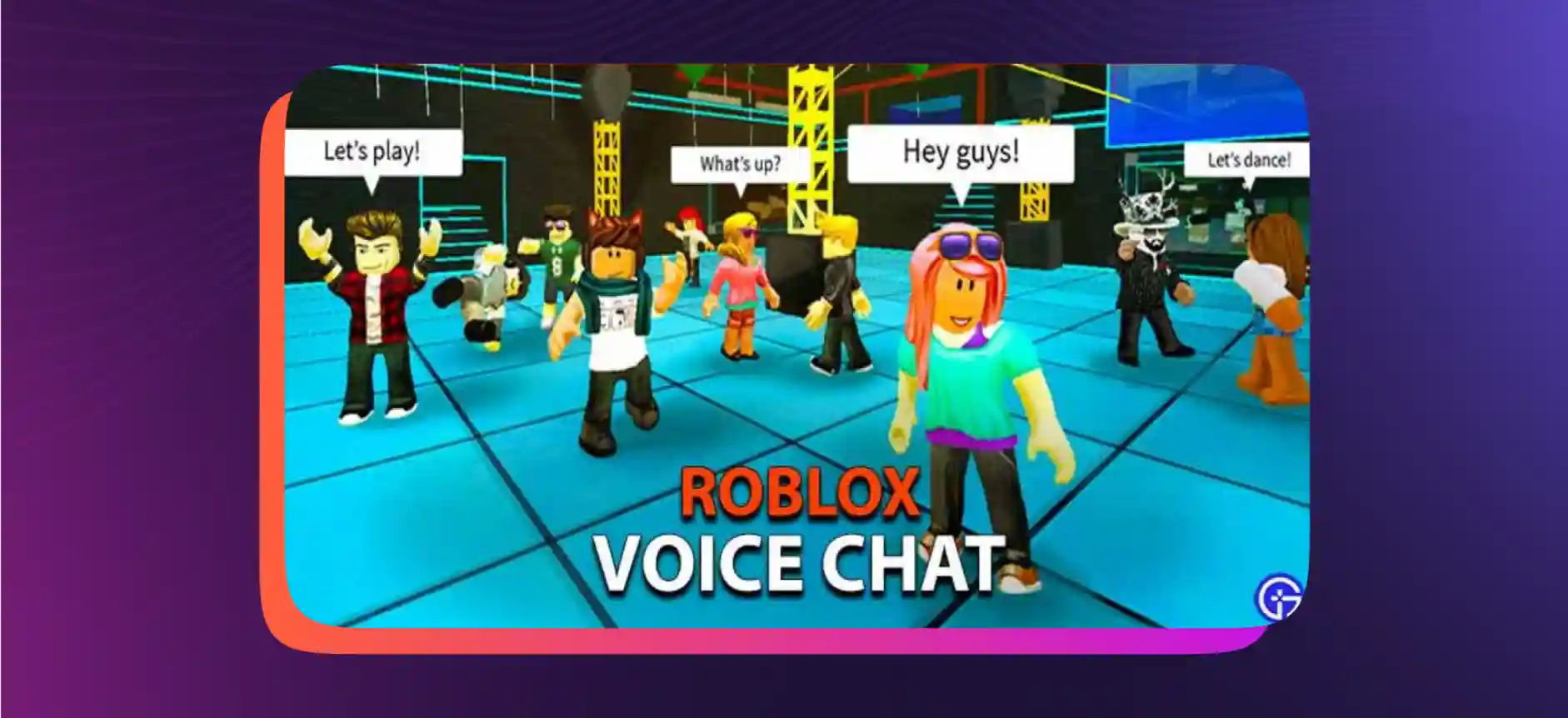
The Roblox TTS feature takes text you define in your game script and converts it into spoken words, allowing characters and interfaces to communicate audibly. Game developers can use TTS to create interactive storylines where characters speak, mystery games where clues are spoken aloud, or educational experiences where historical figures come to life in their own voice.
For accessibility, TTS also benefits players with visual impairments who rely on audio cues to navigate the game interface.
Top Alternatives to Roblox Text to Speech
Whether you're a developer building inside Roblox or a content creator producing YouTube reviews, Roblox game trailers, or streaming content, these tools offer powerful TTS capabilities.
Murf AI

Text to Speech free is ideal for creating game trailers, YouTube reviews, or any content related to your Roblox world. With over 200 studio-quality AI voices across 35+ languages, Murf brings professional narration right to your fingertips — no recording booth needed.
For developers who need real-time TTS in live environments, Murf Falcon offers an API with 55ms model latency and time-to-first-audio under 130ms — making it viable for in-game voice agents and interactive experiences.
VoxBox
VoxBox offers 3200+ voices and 77+ languages, with a user-friendly interface. It's compatible with Roblox content creation, Wattpad, Twitch, and more. Starting at $14.95/month.
Resemble.AI

Resemble.AI adds emotional nuance to voice — useful when you want a custom voice that sounds like a specific character or persona for your Roblox content.
Notevibes
Notevibes is fast and offers 221 male and female voices — great for rapid content turnaround on Roblox-related projects.
Synthesys
Synthesys is cloud-based and supports voiceovers, commercials, sales videos, animations, and podcasts — giving Roblox content creators a full production suite.
Meet Murf Falcon: The Fastest, Most Efficient Text to Speech API
Murf Falcon is engineered to deliver human-like speech at an industry-leading model latency of 55ms. For developers building interactive Roblox experiences, voice-enabled NPCs, or streaming overlays, Falcon provides:
- Time-to-first-audio under 130ms, verified across 10+ global regions
- 99.38% pronunciation accuracy
- 35+ languages, 200+ expressive voices
- RESTful API with Python, JavaScript, and cURL SDKs
- Supports 10,000+ concurrent calls — priced at just 1¢ per minute
Fast everywhere. Accurate always. Affordable at scale. Try Murf Falcon now!


Frequently Asked Questions
How do I enable the text to speech feature in Roblox?
.svg)
Text to speech in Roblox is generally enabled by default. All you have to do is jump into the game, use the chat to type your messages, and voila! The TTS system will read them out loud for everyone in the game to hear. No fuss, no muss! If it’s not enabled, you’ll find the toggle to do so in the settings.
Can I customize the voices for different characters in Roblox?
Roblox’s built-in TTS doesn’t currently offer the option to assign distinct voices to different in-game characters. It’s a one-voice-fits-all kind of deal. But hey, you can always use external TTS software to spice things up!
What types of interactions can benefit from text to speech in Roblox?
Text to speech can enhance user engagement in role-playing scenarios, make in-game announcements more dynamic, and even assist players with impairments. Imagine being in a treasure hunt game, and the clues are read out loud, adding more excitement to your adventure. The possibilities are truly endless!
Can I use different accents and tones with Roblox’s text to speech?
While the idea of having your Roblox character speak in a British accent or a Southern drawl is charming, the built-in TTS feature doesn’t offer different accents or tones. You can always turn to a third-party TTS software that provides a variety of accents and tones.